Introduction
A free online JPG to PDF converter gives you a fast way to tidy scattered images into one clean document. Sending ten separate JPG files feels messy, and important pages can hide inside long email threads. On phones and laptops, the same image can also show up at strange sizes or in the wrong order.
iLovePDFKit fixes those headaches in a browser tab. It turns single photos or whole folders of JPGs into a polished PDF that looks the same on Windows, macOS, Android, and iOS. No software install, no sign-up, and no watermarks stand in your way.
In this guide you will see why PDF is the standard, how to use iLovePDFKit step by step, and how students, office staff, and freelancers fold it into daily work. Keep reading to see how fast your files can calm down and how simple your document sharing can feel.
Key Takeaways
iLovePDFKit’s free online JPG to PDF converter stays free for everyone. You see no watermarks on your pages. You never meet surprise fees or credit limits.
You convert images in four clear steps that feel simple. There is no account wall or email gate. You only need a browser and an internet connection.
You can combine many JPG files into one multi page PDF. That keeps notes, receipts, or project images in order. It also makes sharing and submitting much easier.
Files travel through encrypted connections and leave the servers shortly after processing. You do not need to worry about long term storage. That helps protect private study, work, or client data.
Why Convert JPG to PDF in the First Place?
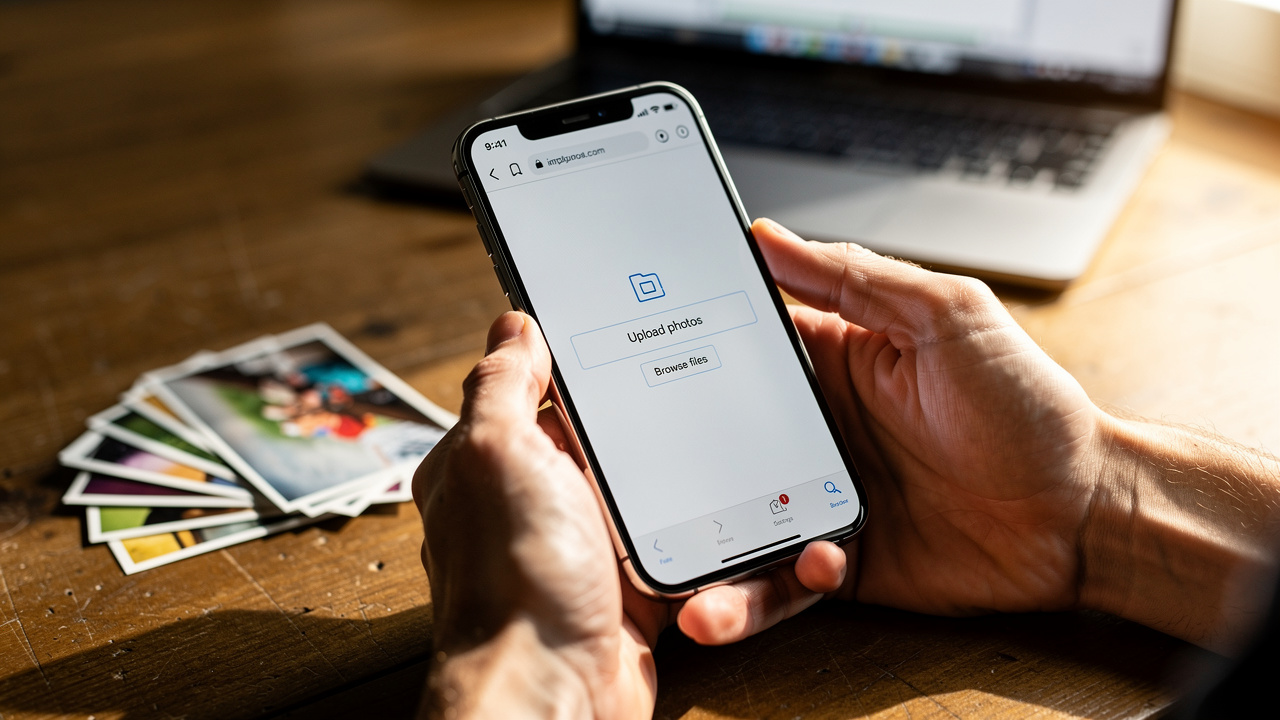
Converting JPG images to PDF gives you a stable file that looks the same everywhere and keeps pages together. A free online JPG to PDF converter turns loose images into one document that teachers, managers, and clients can open without confusion. That simple change has a big impact on how professional your work feels.
JPG works well for photos, but it has clear limits in school and office settings. Common pain points include:
Inconsistent display size from one screen to another
Separate files that clutter inboxes or chat threads
Pages that open in the wrong order, or go missing entirely
Submission portals that accept only PDF
PDF fixes those problems by locking layout in place. According to Adobe, people open more than 2.5 trillion PDF files in Adobe products each year, which shows how standard this format has become. A PDF keeps page size, fonts, and image position fixed, so your document looks identical on a Windows laptop, a MacBook, or a Chromebook.
Think about a student submitting a lab report made from lab photos, or an office assistant sending scanned signatures and charts to a manager. If those files stay as JPGs, the teacher or manager must click through many images and may miss key pages. With a PDF created through a free online JPG to PDF converter like iLovePDFKit, everything arrives in one ordered file that opens cleanly in Adobe Acrobat, Preview on macOS, or any browser. That reduces mistakes and saves time for everyone.
Antoine de Saint-Exupéry once wrote, “Perfection is achieved, not when there is nothing more to add, but when there is nothing left to take away.” Turning a pile of JPGs into one clear PDF follows the same idea: less clutter, more clarity.
How to Convert JPG to PDF Free With iLovePDFKit
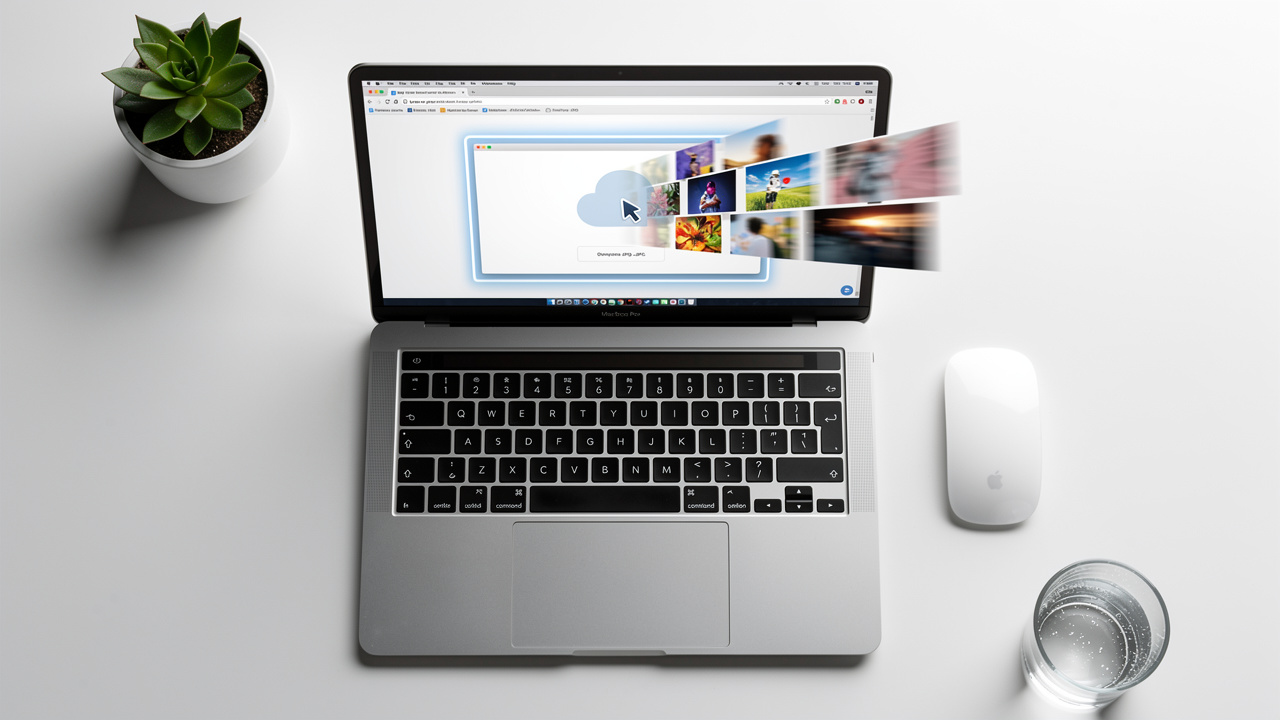
Converting JPG files to PDF with iLovePDFKit takes only a few clicks and no special skills. The whole process happens inside your browser, so you never touch installers or add-ons. Whether you sit at a work PC or hold a phone in class, this free online JPG to PDF converter follows the same steps.
According to Pew Research Center, about 97 percent of adults in the United States own a cellphone and 85 percent own a smartphone. That means almost everyone can reach iLovePDFKit from a pocket device whenever images need to become a clean PDF. Here is how the four steps look.
Open The JPG To PDF Tool
Visit iLovePDFKit in any modern browser such as Google Chrome, Microsoft Edge, Safari, or Firefox. From the home page, choose the free online JPG to PDF converter tool. The site works on Windows, macOS, Linux, ChromeOS, Android, and iOS. You do not need to log in or enter any personal details before you start.Upload Your JPG Images
Drag and drop your JPG files into the upload area, or click to browse your folders. You can select one image or many at once, which is perfect for multi page notes or receipt stacks. iLovePDFKit also accepts PNG and other common image formats in the same place. If your pictures live in Google Drive or Dropbox, you can pull them into the page just as easily.Arrange And Let iLovePDFKit Convert Everything
After upload, you can arrange page order if needed, so page 1 really looks like page 1. As soon as you are happy with the order, iLovePDFKit’s engine starts the conversion on its cloud servers. There are no waiting queues for normal work and no tricky settings for a standard job. The service keeps the original resolution, colors, and sharpness of your images. It does all that without placing logos or marks over your content.Download And Share The PDF
When the conversion ends, a clear download button appears on the page. Click once to save the new PDF to your laptop, tablet, or phone. You can also store the file back to Google Drive or Dropbox or attach it to Gmail or Outlook straight away. Your images now sit in one neat PDF that is ready for upload, print, or sharing with classmates, teammates, or clients.
UX author Steve Krug has a simple rule for good tools: “Don’t make me think.” A JPG to PDF converter should feel that way too—clear steps, no surprises, and one obvious button to click next.
For even smoother results with iLovePDFKit:
Group related images into one folder before uploading
Give your files short names so you can spot them quickly in the list
Rotate sideways photos on your phone or scanner first, or rotate inside the tool before converting
These quick habits keep your final PDF tidy and easy to read.
What Makes iLovePDFKit’s Free Online JPG to PDF Converter Stand Out?
Many sites claim to convert JPG to PDF for free, yet they hide limits behind sign-ups, watermarks, and small print. iLovePDFKit’s free online JPG to PDF converter stands out because it does what people expect from a simple tool and does it without tricks. You open a tab, convert your images, download the PDF, and move on.
Here is a quick side by side view.
| Feature | iLovePDFKit | Many “Free” Converters |
|---|---|---|
| Cost | Free for regular use with no credits | Free trial with caps or credits |
| Watermarks | No watermarks on any page | Logo on every page |
| Account Need | No account or card required | Email or card up front |
| Extra Tools | Extra PDF tools available in the same workspace | Often locked behind paywall |
Three areas matter most when you compare converters:
Pricing clarity: no tokens, credit packs, or limits that reset each day
Output quality: your scans and photos stay sharp, even for charts and fine text
Security and privacy: short retention windows and encrypted transfer
First, the pricing model stays simple. You do not face page limits that reset each day, or tokens that vanish faster than you expect. iLovePDFKit lets students, teachers, freelancers, and small teams use the core converter without paying and without a sign-up wall. That is especially helpful on shared school computers or locked-down office machines.
Second, output quality stays high. Some free converters compress your JPGs so hard that charts blur and small text becomes hard to read. iLovePDFKit aims for pixel level accuracy, so a high resolution scan or product photo in Microsoft Word or PowerPoint still looks sharp inside the final PDF.
Security also plays a big role. File transfers use Transport Layer Security (TLS), the same protection used by banks and major services such as Google Drive and Dropbox. Documents leave iLovePDFKit’s servers shortly after processing, which lowers the risk of long term exposure for pay stubs, contracts, or exam papers.
Security specialist Bruce Schneier often notes that “security is a process, not a product.” Short file lifetimes, encryption, and clear policies are part of that process for online tools.
Strong privacy and clarity help real work. Research from McKinsey shows that employees spend about 1.8 hours each day just searching for information. Cleaner PDFs, made through a trusted free online JPG to PDF converter, make it easier to find what matters in a single file instead of a tangle of images. On top of that, iLovePDFKit links to other tools to merge, split, compress, and convert PDFs with Word, Excel, and PowerPoint, so your whole document workflow can live in one browser tab.
Who Benefits Most From a Free Online JPG to PDF Converter?
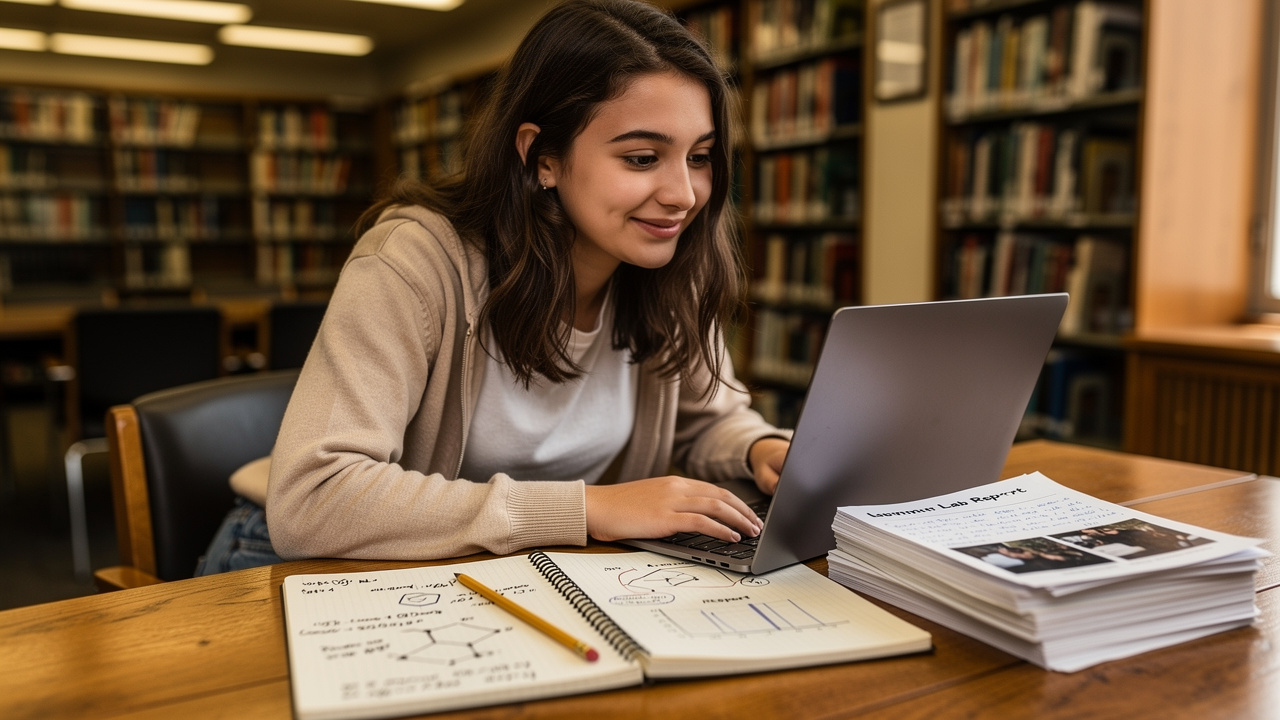
A free online JPG to PDF converter helps anyone who sends images in a school, office, or client setting. iLovePDFKit works best for people who care about neat, shareable files but do not want to manage software or budgets for basic tasks. When the tool lives in a browser, it fits into many routines without friction.
Students, teachers, office pros, and freelancers all face stacks of photos, scans, and screenshots. They may take pictures of whiteboards on an iPhone, scan invoices into a network folder, or capture product mockups as PNG files on a design laptop. With iLovePDFKit, each of these groups can turn those raw images into one reliable PDF in less time than one trip to a printer.
People who benefit most include:
Students and academics who must submit homework or lab work as PDF only
Office professionals and admin staff who collect scans, phone photos, and logos from many sources
Freelancers and small business owners who want tidy files for clients and accounting
Home users managing insurance photos, appliance receipts, or school forms
Real-World Use Cases by User Type

Students And Academics
Students and academics handle strict submission rules that often call for PDF only uploads. A biology student might snap lab notes on an Android phone across a full semester. With iLovePDFKit, that student can select a week of JPGs, arrange them in the right order, and convert them to one study guide PDF from a library PC or home Chromebook. Professors then open a single file that matches their grade book instead of chasing loose photos.Office Professionals And Admin Staff
Office professionals and admin staff live inside tools like Microsoft Excel, Word, and Outlook. A project coordinator may receive photographed invoices, a PNG logo, and scanned signature pages for a report. Company IT rules might block new app installs on Windows or macOS devices. In that case, a browser based free online JPG to PDF converter such as iLovePDFKit lets the coordinator combine all those images into a single PDF report that passes through email and archiving systems without trouble.Freelancers And Small Business Owners
Freelancers and small business owners care about both time and image. A designer might export high resolution mockups from Adobe Photoshop as JPG or PNG files, then use iLovePDFKit to create a polished PDF portfolio for a client review. A consultant on a trip can photograph receipts on an iPhone, convert them into one expense PDF from Safari, and send it straight to accounting. Dropbox reports over 700 million registered users worldwide (Dropbox), and many of those users can route these PDFs into shared folders without extra steps. Across all three groups, iLovePDFKit gives the same mix of free access, clean quality, and strong privacy.
Wrapping Up: Start Converting JPG to PDF for Free Today
iLovePDFKit gives you a fast, safe, and simple way to turn loose images into polished documents. With this free online JPG to PDF converter, you avoid installs, logins, and surprise charges, while your pages keep their original clarity and color. Files travel over encrypted connections and leave the servers shortly after processing, which protects class notes, office paperwork, and client work.
The best part is how easy it feels. Open iLovePDFKit in your browser, drop in one or many JPGs, and download a clean PDF a few seconds later. No training and no credit card stand between you and a better file. Try your next set of photos, scans, or screenshots with iLovePDFKit and see how calm your document workflow can become.
Frequently Asked Questions
Question: Is there a file size limit when using iLovePDFKit’s free JPG to PDF converter?
There is generous room for everyday images, so most homework photos, scans, and receipt snapshots convert without issues. Very large batches of high resolution files may take a bit longer to upload. If that happens, you can split the job into two smaller PDFs and merge them later with iLovePDFKit’s PDF tools.
Question: Can I convert PNG files to PDF using iLovePDFKit, or is it only for JPG?
You can convert PNG files to PDF with the same tool, not just JPG. iLovePDFKit also accepts other standard formats such as BMP, GIF, and TIFF. You simply upload the images together, arrange them if needed, and download one combined PDF.
Question: Will my converted PDF look the same on all devices?
Yes, your converted PDF keeps a fixed layout and displays the same way on phones, tablets, and computers. PDF preserves page size and image placement, and iLovePDFKit keeps the original resolution and colors. That way, the file looks consistent in Chrome, Safari, Edge, or Acrobat Reader.
Question: Do I need to create an account to download my converted PDF?
No account is needed to convert or download files with iLovePDFKit. You open the free online JPG to PDF converter, upload your images, and save the finished PDF right away. This applies equally to students, office workers, and freelancers.
Question: How long does iLovePDFKit keep my files after conversion?
iLovePDFKit removes both the uploaded images and the resulting PDFs from its servers shortly after processing. The system holds them only long enough to let you download the file or send it to a cloud service. This short window helps protect your privacy and sensitive documents.
