Introduction
A last‑minute assignment is due, the professor wants a PDF, and the only tool on hand demands a signup form, a password, and a credit card screen. That is not what anyone expects when searching for a Free & Secure Online PDF Converter 2026 | No Signup Required. Most people just want to upload a file, click once, and get it back in the right format.
In 2026, study, work, and freelance jobs often happen right inside the browser. People move between laptops, phones, and shared computers, and many cannot install new software. A fast, browser‑based PDF converter with no signup has become a basic tool that keeps homework, reports, and contracts on schedule.
That is exactly why we built iLovePDFKit. The goal is simple: give anyone a completely free, registration‑free, secure PDF and document converter that runs in any modern browser. Conversions stay accurate, processing happens in real time, and files do not remain on our servers.
In this guide, you will see how iLovePDFKit works, which file formats it supports, how it protects your privacy, and what “free” means for us. By the end, you will know how to go from upload to finished PDF or Office file in under a minute, without signups, downloads, or surprises.
Try iLovePDFKit Free — No Signup Needed →
Key Takeaways
Before diving into the details, here is a quick overview of what this article covers and what iLovePDFKit offers.
iLovePDFKit gives free access to online PDF conversion with no account or registration. All core tools are open from the first visit, with no email wall, trial period, or credit card field between your upload and final download.
The platform supports common formats in both directions, including Word, Excel, PowerPoint, and images to and from PDF. Conversions keep fonts, layout, and spacing accurate, which matters for resumes, research papers, reports, and client documents.
Every conversion runs through secure processing with automatic file removal after completion. The service works on any modern browser and device, making it practical for students, office workers, freelancers, and small business owners in 2026.
Why Use A Free Online PDF Converter With No Signup In 2026?

Alt text: “Student using browser-based PDF converter on tablet in library”
Alt text: “Student using browser-based PDF converter on tablet in library”
Many people still picture PDF tools as heavy desktop programs that need admin rights, long installs, and constant updates. That approach does not match how classes and offices run now. Shared computers in classrooms, coworking spaces, and hot‑desk offices often block installs. Remote workers switch between personal devices and work laptops. An online converter that runs straight in the browser fits these real situations far better.
The no signup part is just as important. When a teacher asks for a PDF or a client wants a signed contract back, nobody wants to stop and fill out forms. Creating yet another account means another password to track and more email in the inbox. For one‑off tasks, it feels like extra work for no real gain. Even for frequent use, many people prefer tools that simply open and work.
There is also a big difference between a truly free converter and a freemium service that hides limits — tools like the Online PDF Converter demonstrate what a straightforward, no-nonsense experience can look like. Some tools let users convert one or two small files, then block more work behind paywalls. Others process a file but ask for an account before allowing the download. Some big names even require sign‑in just to save a converted document, turning a quick task into a small project.
We built iLovePDFKit to avoid all of that. Every core conversion tool is open, free, and ready as soon as the site loads. There is no registration step before download and no “upgrade now” screen in the middle of a deadline. This helps students racing to submit assignments, office staff converting last‑minute Excel reports, and freelancers preparing invoices or contracts without extra cost.
Privacy matters too. When people upload drafts of research papers, financial spreadsheets, or contracts, they want those files gone once the job is done. Our no‑file‑storage approach means documents do not sit on our servers after processing, which keeps risk low and peace of mind high.
How To Convert A PDF Online In Seconds Using iLovePDFKit
Using iLovePDFKit is designed to feel as simple as sending an email attachment. There is no account page, no software download, and no steep learning curve. If you can drag a file or tap a button on your phone, you can use it.
Step 1 — Select Or Drag Your File
Alt text: “Hands dragging a document file into browser upload area”
Alt text: “Hands dragging a document file into browser upload area”
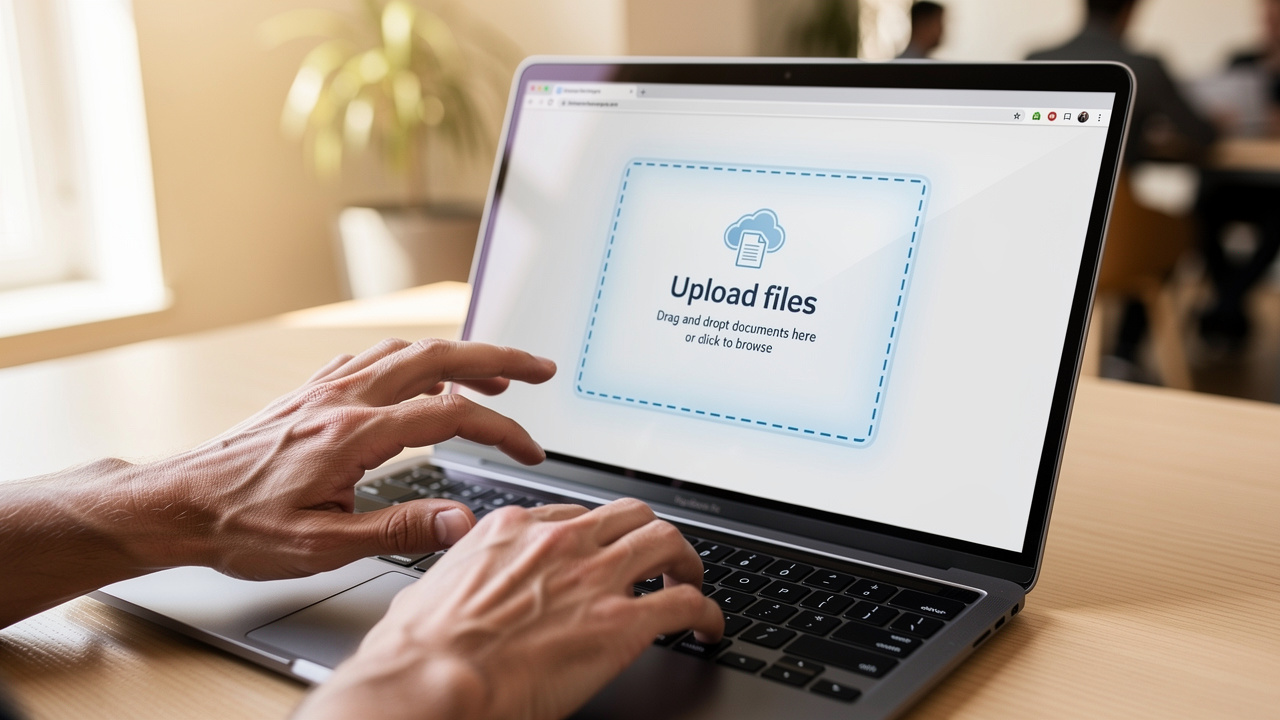
Open iLovePDFKit in a modern browser such as Chrome, Firefox, Safari, or Edge. The main page shows a clear upload area, so there is no hunting through menus. This same view appears whether you visit from a desktop, laptop, tablet, or smartphone.
You can:
Click the button to choose a file, which opens your device’s standard file picker, or
Drag a document from a folder and drop it directly onto the upload area.
Both actions send the file securely to our servers for processing.
Because the platform is web‑based, you do not need to worry about operating system versions. A student on a school Chromebook and a manager on a Windows desktop can follow the same first step with the same simple interface.
Step 2 — Choose Your Output Format And Convert
Once your file is uploaded, choose what you want to do with it — similar to how an AI PDF Converter presents clear output options, iLovePDFKit keeps the format selection simple and intuitive. iLovePDFKit supports common paths such as Word to PDF, PDF to Word, PDF to Excel, and images to PDF. The format options are clear, so there is little room for confusion about which button to press.
After picking the target format, start the conversion with a single click. The heavy lifting happens on our secure servers, not on your device. That means even older laptops and budget phones can handle large documents without slowing down or freezing. For most everyday files, the process finishes in just a few seconds.
You do not need technical knowledge for this step. There are no settings that must be tuned, no pop‑up windows with confusing terms, and no need to understand file types in detail. The tool reads the original file, converts it to the format you asked for, and prepares it for download.
Step 3 — Download Your Converted File
Alt text: “Hand tapping download button on smartphone after PDF conversion”
Alt text: “Hand tapping download button on smartphone after PDF conversion”
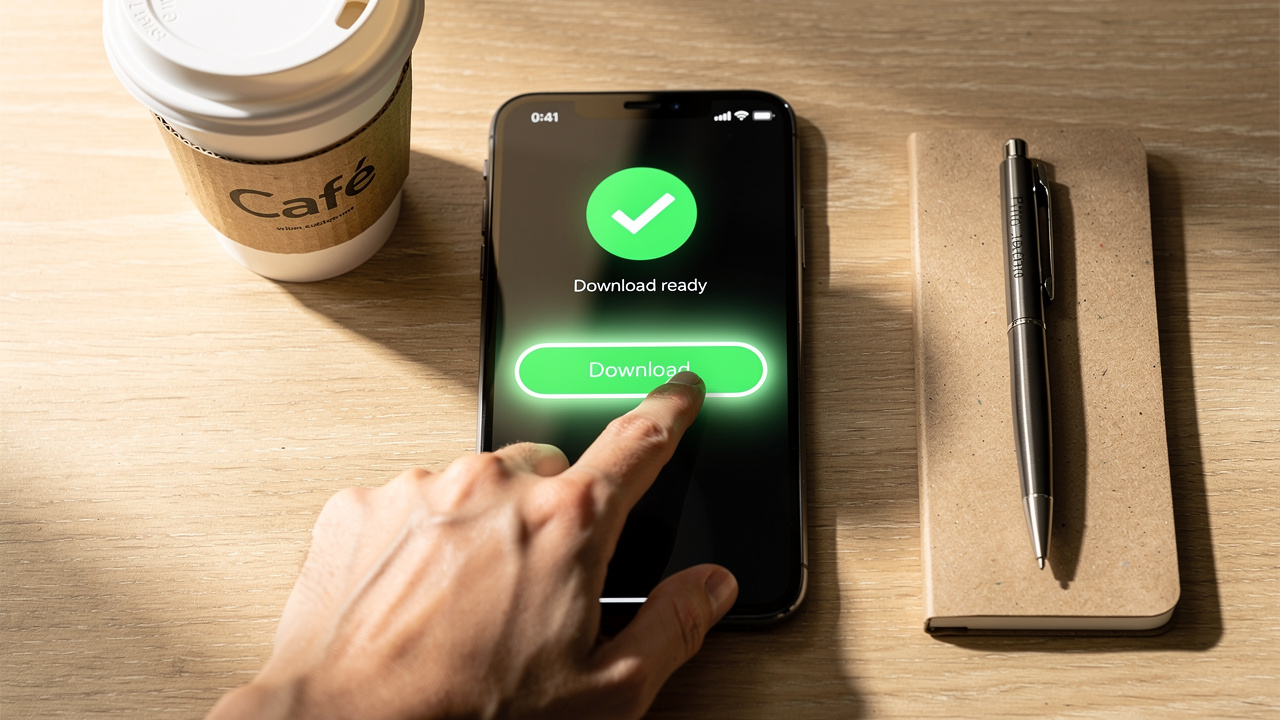
As soon as the conversion ends, a clear download button appears on the screen. There is no login prompt and no demand for an email address to “send the result.” One click saves the new PDF or Office file directly to your device.
From there, you can open the document, attach it to an email, upload it to a learning platform, or store it in a cloud drive. The file is ready to use right away. Behind the scenes, our system removes both the uploaded and converted versions from our servers shortly after processing.
From start to finish, the flow stays the same across formats: visit the site, upload a file, select the output type, and download the result. For many everyday tasks, the whole process fits comfortably into a single minute, even on a busy network or mobile hotspot.
What File Formats Does iLovePDFKit Support?
Alt text: “Variety of document formats spread on white desk surface”
Alt text: “Variety of document formats spread on white desk surface”
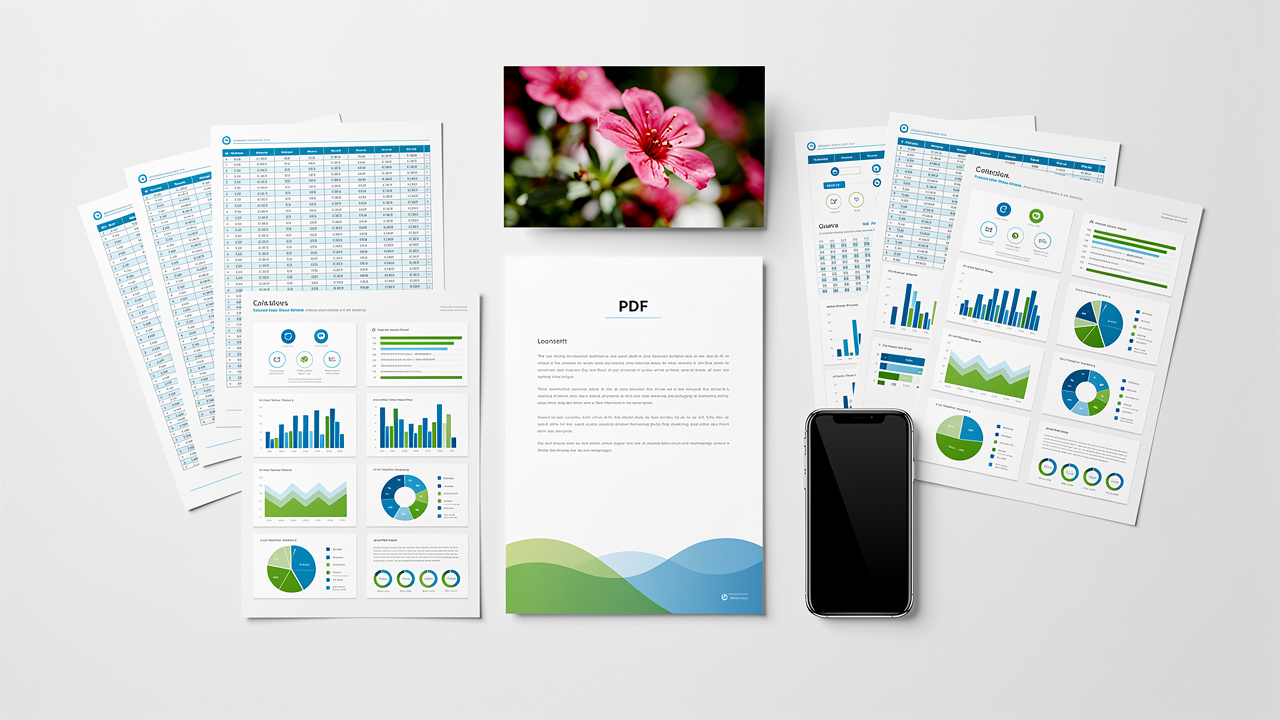
iLovePDFKit is built to be a central hub for everyday document work, not just a one‑trick converter. Many users jump between Word, Excel, PowerPoint, PDFs, and images in a single day. Supporting these formats in both directions keeps work smooth and avoids the need for several different tools.
“PDF remains the standard way to share documents that must look the same everywhere.” — common view among document designers
Converting To PDF
PDF is still the standard when you want a file to look the same on every screen and printer, and a Free Online PDF Converter that handles multiple formats makes that standard accessible to everyone. With iLovePDFKit, you can turn common office formats into clean, shareable PDFs without losing style or structure.
Microsoft Office files like Word, Excel, and PowerPoint convert into PDFs that keep fonts, headings, tables, and charts in place. This is useful for assignments, reports, client decks, and any document that must keep a specific layout.
Image formats such as JPG and PNG also convert easily into PDF. You can turn scans or photos into a single document, which works well for receipts, hand‑written notes, or whiteboard photos that need to be stored or shared neatly.
Converting From PDF
Sometimes the PDF is not the end point but the starting point. You may need to edit text, fix numbers in a table, or reuse slides.
iLovePDFKit can turn PDFs back into editable Word, Excel, or PowerPoint files. This saves hours that would otherwise be spent retyping long sections of text or rebuilding complex tables and slide layouts from scratch.
For visual work, pages from a PDF can be converted to image files. This helps when a presentation needs a high‑quality graphic pulled from a report, or when a web designer wants a chart from a PDF in image form.
Beyond Basic Conversion
Conversion is only one part of document work. iLovePDFKit also includes browser‑based tools for managing PDF pages. You can reorder pages, remove ones you do not need, or split a long document into several smaller files.
All of these features are available without downloads or installs. Whether you are compiling research sources, preparing monthly reports, or sending professional invoices, you can stay inside the browser and handle files end to end with iLovePDFKit.
Is It Safe To Use iLovePDFKit? Our Security And Privacy Commitment

Alt text: “Brass padlock on laptop keyboard representing secure file processing”
Alt text: “Brass padlock on laptop keyboard representing secure file processing”
Uploading a contract, grade report, or financial sheet to a website can feel risky. That concern is reasonable, and we design iLovePDFKit with that in mind. Security and privacy are built into how the service works, not added later as an afterthought.
“The safest data is the data you never store.” — common saying among security teams
This idea guides how we handle your documents.
Real‑Time Secure Processing
When a file is uploaded, it moves through a protected connection from your browser to our servers. The conversion happens in real time, so documents are not left sitting around waiting for batch jobs or manual review. Our systems handle the content automatically, and no one on our team opens or reads user files during this process.
No File Storage Policy
Once the conversion finishes and you have had time to download the new file, our system removes both the original and the converted versions. We do not keep long‑term copies of user documents on our servers. This short lifetime sharply limits the chance that anyone could access an old file later.
No Account Means Less Risk
Because iLovePDFKit does not require signup, we do not collect personal profiles, email addresses, or payment data. There is no single database linking people to their documents. With less personal information gathered, there is less to protect and less that could be exposed, which keeps overall risk lower.
Browser‑Based Processing Benefits
You never install extra programs or add‑ons to make iLovePDFKit work. That removes a common path for malware that hides in fake installers or outdated software. Work stays inside trusted browsers, and our servers take on the heavy processing instead of asking your device to run new code.
Compared with account‑based PDF services that store both user profiles and files, our approach leaves a smaller data trail. The aim is simple: you should be able to convert and manage your documents with confidence that both your content and your identity stay protected.
Conclusion
Fast, safe, and simple document conversion should not require a credit card or a signup form. iLovePDFKit delivers a Free & Secure Online PDF Converter 2026 | No Signup Required that works across Word, Excel, PowerPoint, images, and PDFs while keeping fonts, layout, and structure intact. Processing runs through secure connections, and files are removed from our servers after conversion.
Whether you face a last‑minute assignment, a weekly report, or a client contract, the steps stay the same: visit the site, upload the file, pick the format, and download the result in seconds. There is no software to install and no account to manage.
If a simple, reliable PDF tool has been missing from your daily work, this is a good time to try iLovePDFKit. Open it in any browser, on any device, and see how easy it can be to convert and manage documents without cost or friction.
FAQs
Do I need to create an account to use iLovePDFKit?
No account is needed at any point. Visitors can open the site, upload a document, choose the output format, and download the converted file right away. There are no email forms, passwords, or profile pages between the upload and the final result.
Is iLovePDFKit really free, or are there hidden costs?
All core conversion tools on iLovePDFKit are free to use. You can convert common formats as often as you like for standard tasks without hitting a paywall. There are no surprise fees, and the service is designed to stay friendly for everyday personal, study, and small business work.
Will my document’s formatting be preserved after conversion?
Yes. iLovePDFKit aims for accurate conversions that keep fonts, headings, images, tables, and page layout in place. This matters for resumes, slide decks, research papers, and business reports that must look professional. The converted file is meant to match the original as closely as possible.
What devices can I use iLovePDFKit on?
iLovePDFKit runs in any modern web browser, so it works on desktops, laptops, tablets, and smartphones. It supports major operating systems including Windows, macOS, Linux, iOS, and Android. There is nothing to install, which makes it easy to use from home, school, or the office.
