Table of Contents
- Introduction
- Why Convert PowerPoint To PDF?
- How To Convert PPT To PDF Using iLovePDFKit (Free, No Account Needed)
- How To Convert PPT To PDF Directly In Microsoft PowerPoint
- How To Convert PDF Back To PowerPoint (Reverse Conversion)
- What To Look For In A PPT To PDF Converter
- Locking In Your Best Conversion Method
- Frequently Asked Questions
Introduction
Sharing a PowerPoint file can break fonts, layouts, or images as soon as someone opens it on another computer. That hurts when a grade, pitch, or report depends on clear slides. To convert PowerPoint to PDF without losing formatting, you can export to PDF in PowerPoint or use an online converter such as iLovePDFKit.
If you need to know how to convert PPT to PDF fast, this guide walks through simple methods that keep your design intact. You will see, step by step, how to use iLovePDFKit in any browser, how to export from Microsoft PowerPoint on Windows and Mac, and how to change PDF back into PPT when you need to edit again.
Keep this page open while you work so each conversion feels quick and predictable from start to finish.
Key Takeaways
Before you scroll further, here are the main ideas you will keep from this guide:
Converting a PowerPoint file to PDF can take only a few seconds when you use the right method. You do not need advanced tech skills; a simple, repeatable process keeps stress low before deadlines.
Free online PPT to PDF converters run inside the browser on almost any computer. You do not install extra software or plug‑ins, and many tools skip account creation, which saves time for busy students and teams.
iLovePDFKit gives PPT to PDF output that keeps fonts, layouts, and images very close to the original slides. Text stays sharp instead of turning into blurry screenshots, and each slide appears as a clean page you can share or print with confidence.
Built‑in PowerPoint export to PDF works on both Windows and macOS. You can save a presentation as a PDF even when the computer is offline, which is handy for office workers who already have Microsoft 365.
Privacy and file security matter whenever you upload school work or client documents. Good converters use SSL encryption during every upload and download and delete files automatically once you grab the finished PDF.
Why Convert PowerPoint To PDF?

Converting PowerPoint slides to PDF gives you a stable version of your presentation that opens the same way on every device. This format locks text, images, and layouts so they cannot shift when a teacher or client opens the file. If you already plan how to convert PPT to PDF, it helps to know why this step protects your work.
PDF viewers exist on Windows, macOS, Linux, iOS, Android, and almost every web browser. PDF even became an open ISO standard in 2008, according to ISO, which helped make it the common format for stable documents worldwide. That broad support keeps your audience from running into “file not supported” messages.
“Convert once, check once, share everywhere — that simple habit prevents most last‑minute slide surprises.” — Practical advice for presenters
When you share a PowerPoint file, someone can change a number or delete a chart by accident. A PDF locks content so a professor, manager, or client can read and print but cannot easily edit slides. That read‑only behavior makes PDFs a strong fit for final reports, graded work, and signed proposals.
PDFs also tend to be smaller than heavy PPTX files full of images, fonts, and video. Smaller size means faster uploads to systems like Canvas, Google Classroom, or Salesforce. Email attachments succeed more often, and mobile users on slow networks can still download your slide deck.
How To Convert PPT To PDF Using iLovePDFKit (Free, No Account Needed)
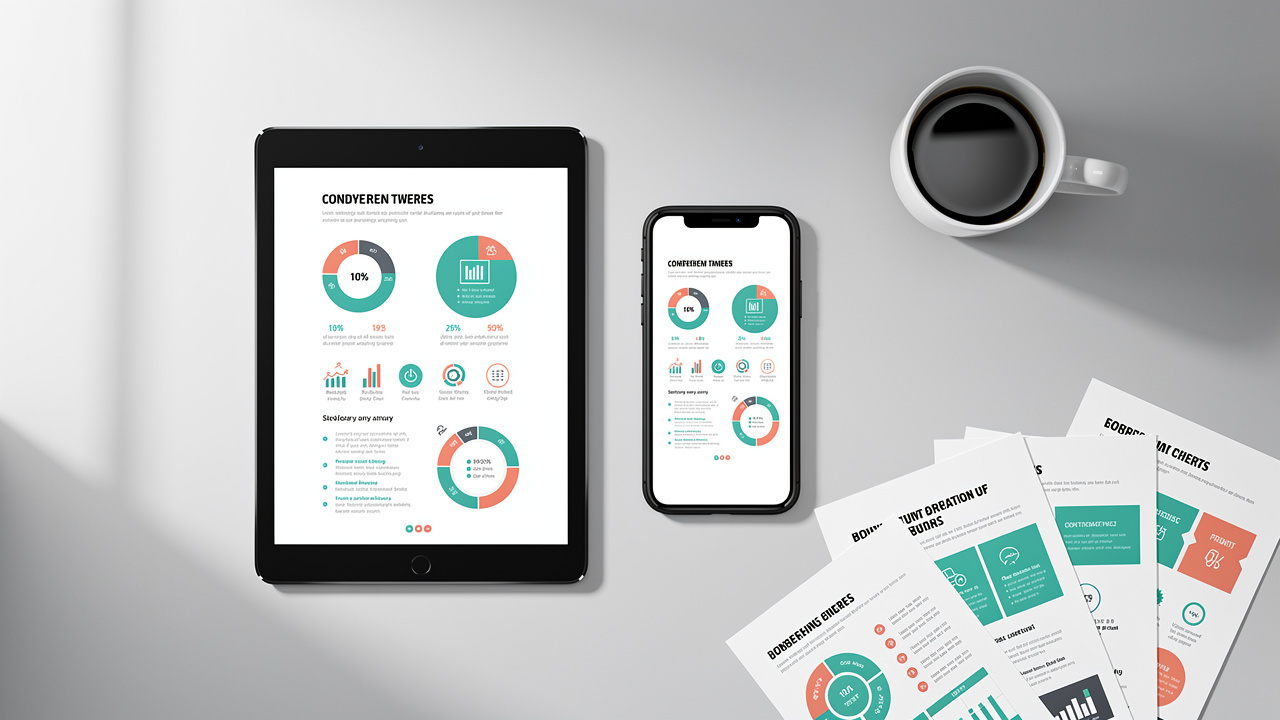
Using iLovePDFKit to convert PowerPoint files to PDF keeps your original design intact while you work entirely in the browser. The tool runs on Chrome, Edge, Safari, Firefox, and other modern browsers on any device. You avoid software installs, sign‑ups, and confusing menus.
Here is how to convert PPT to PDF with iLovePDFKit from start to finish. The same steps work for both PPT and PPTX files. You only need an internet connection and a few moments of free time.
Open the iLovePDFKit PowerPoint to PDF page in your browser. The interface shows a clear area where you can place your file.
Add your presentation file. Click the main button to browse your folders or drop the PPT straight from your desktop. iLovePDFKit accepts both older PPT files and modern PPTX files.
Let the conversion engine process the slides. Most presentations convert within a few seconds, even when they hold many images. A progress bar shows you what is happening so you are not left guessing.
Download the finished PDF to your device. Save it to local storage, send it to Google Drive or Dropbox, or attach it straight to email. After download, both the original upload and the converted copy are deleted from iLovePDFKit servers.
Several details make iLovePDFKit stand out among free converters:
Output looks almost identical to your original slides because every text box, image, and shape becomes a PDF object instead of a flat screenshot — a key advantage detailed in guides on how to Convert PowerPoint to PDF without losing formatting. That means sharp fonts at any zoom level and readable charts in printed handouts.
The service is free to use with no trial limits, hidden fees, or watermarks on the exported PDF. You do not need to share an email address or create an account, which suits students, freelancers, and small teams.
All file transfers use SSL encryption so others on the network cannot read your documents in transit. iLovePDFKit follows a no‑storage policy, so files are automatically removed from servers after conversion finishes. Processing is automated; no staff member opens or reviews your documents.
Adobe reports that hundreds of billions of PDFs are opened in Acrobat and Reader each year, according to Adobe. With that much document traffic, a fast browser tool such as iLovePDFKit helps you send polished slides without delay.
How To Convert PPT To PDF Directly In Microsoft PowerPoint
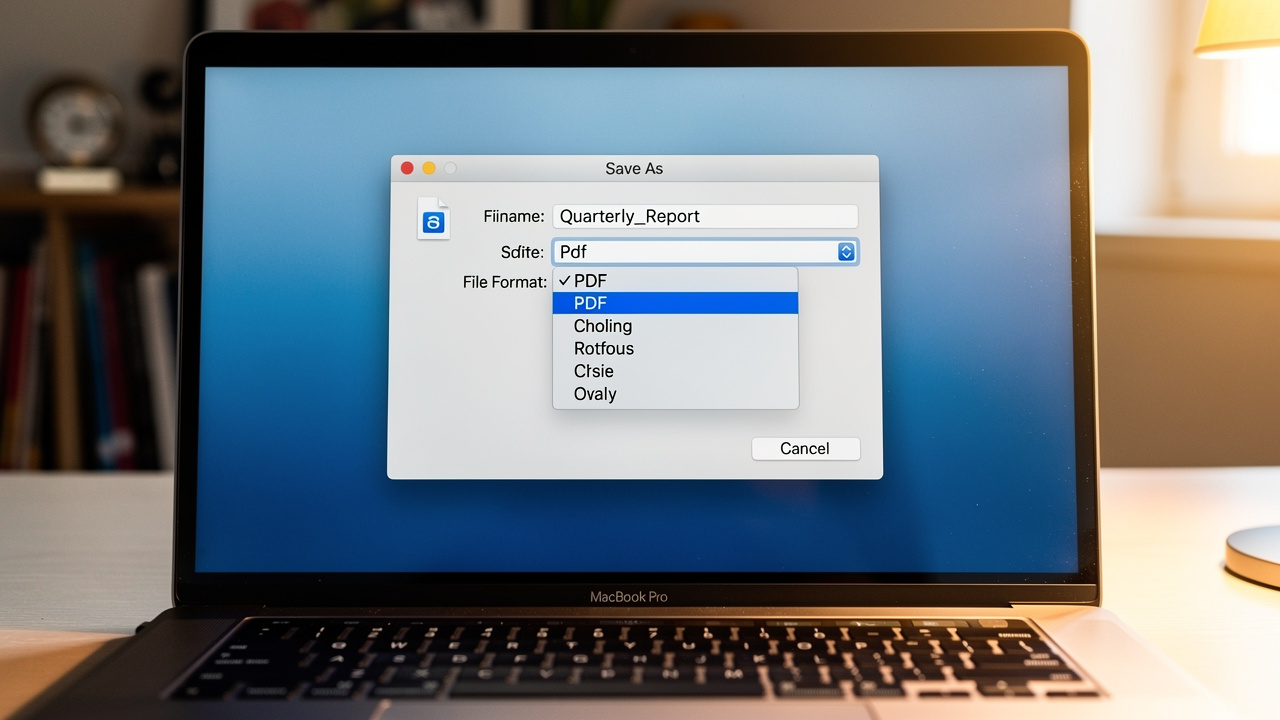
Converting a PowerPoint file to PDF inside Microsoft PowerPoint gives you full control while you work offline. This method suits campus labs and office computers where the desktop app is already installed.
On many campus and office machines, PowerPoint already sits on the taskbar, which makes this path quick — and following a A Practical Guide on converting PowerPoint to PDF can help you choose the right export settings every time. Microsoft reports that more than one billion people use Office apps worldwide, according to Microsoft, so these export features are almost everywhere.
On Windows, you have two main routes:
Open your slide deck and use the Export route. Select File → Export → Create PDF/XPS Document. Decide whether you want all slides or a range, then click Publish to write the PDF.
Use Save As for a shorter path. Open File → Save As, and change the Save as type box to PDF. Name the file, pick a folder, and click Save to finish.
On macOS you follow similar steps:
Open the presentation in PowerPoint for Mac. Choose File → Save As, and pick PDF from the File Format menu. Confirm the name and location, then press Export so PowerPoint builds the PDF.
Another route uses the system print dialog, which works in most Mac apps. Press Command + P, click the small PDF button in the bottom‑left corner, and select Save as PDF. Pick a folder and confirm to write the PDF version of your slides.
“Export a short test presentation first to confirm fonts, images, and slide order before you convert a large client deck.” — Practical tip for PPT users
Remember that animations and slide entrance effects do not move across to the PDF, because a PDF page is static — a limitation worth reviewing in resources that cover how to Convert PowerPoint to PDF without losing formatting. Each slide becomes a separate page in the PDF, so always preview the file to check that your message still reads clearly.
How To Convert PDF Back To PowerPoint (Reverse Conversion)
Turning a PDF file back into PowerPoint gives you a fresh, editable slide deck from a document that once felt locked. This helps when you only have a PDF copy of a report, lecture notes, or an old proposal.
With iLovePDFKit, you can upload a PDF and receive a PPTX file where text boxes, images, and shapes are real PowerPoint objects. The converter avoids flat screenshots so you can edit titles, move icons, and adjust colors just as you would in a normal presentation.
The steps mirror the PPT to PDF tool:
Open the PDF to PowerPoint page in iLovePDFKit.
Upload your PDF from your computer, cloud storage, or drag and drop.
Wait for processing to finish, then download the PPTX file.
Longer documents may need an extra moment, so keep the tab open until conversion finishes.
Common ways people use this feature:
Students turn teacher PDFs into slides so they can present key ideas in seminars.
Office staff rebuild static quarterly reports into shorter decks for board meetings.
Freelancers reshape signed PDF proposals into clear pitch decks for the next client without rewriting everything by hand.
No converter can guess every layout choice, so expect to tidy a few slides after you open the new file in Microsoft PowerPoint or Google Slides. Even so, auto conversion usually saves far more time than building a deck from nothing.
What To Look For In A PPT To PDF Converter

A good PPT to PDF converter should keep your slides looking the same while staying fast and safe to use. A short checklist helps you avoid surprises right before a deadline.
People now open documents on laptops, tablets, and phones during the same day, and with the UST AI Report: 93% of large companies viewing digital tools as essential to success, having a reliable converter is more important than ever. About 85 percent of U.S. adults own a smartphone, according to Pew Research Center, so your converted PDF needs to stay readable on every screen size.
Key points to consider:
Formatting accuracy comes first. The converter should keep fonts, text size, spacing, images, and charts where you placed them. If titles shift or tables break, your message can confuse readers. iLovePDFKit focuses on fine detail so the PDF pages line up with your original slides.
Speed and simplicity matter right before a deadline. Good tools process even large decks in seconds and give clear feedback on progress. You should not have to create an account or click through many menus. iLovePDFKit keeps the layout to one main upload area and one prominent download button.
Security and cost transparency protect you and your data. Look for SSL in the address bar, an explanation that files are deleted after conversion, and clear privacy terms. Check that the tool does not add watermarks or push you into surprise subscriptions. iLovePDFKit follows these rules and stays free for every user.
To compare options quickly, you can use a simple table like this when you test tools:
| Feature | Why It Matters | What To Check |
|---|---|---|
| Formatting accuracy | Slides stay readable and consistent | Fonts, spacing, images, and charts |
| Speed | Less waiting, fewer missed deadlines | Conversion time on large decks |
| Security & pricing | Protects data and your budget | SSL, deletion policy, and watermarks |
Research from McKinsey suggests knowledge workers lose about 1.8 hours each day just searching for information. A dependable converter cannot fix that entire problem, yet it does cut the extra time that goes into layout fixes and repeated exports.
Locking In Your Best Conversion Method
Choosing the best way to turn PowerPoint files into PDF depends on your device, internet access, and how often you share slides. Many students, teachers, and office workers settle on a main method that feels reliable and repeatable.
If you have a browser and a connection, iLovePDFKit gives a quick path from PPT to PDF with strong security and no price tag. When you work on a locked‑down office machine, the Save As or Export feature in Microsoft PowerPoint works well offline. For moments when you only have a PDF version, the reverse PDF to PPT converter turns that file back into an editable deck.
Conclusion
Clean conversions from PowerPoint to PDF keep grades, deals, and research papers free from surprise layout issues. With the methods in this guide, you can share any deck as a stable PDF that looks the same on every screen.
Start by trying iLovePDFKit the next time you ask yourself how to convert PPT to PDF without extra work. Keep PowerPoint’s own export feature as a backup when you are offline. Whichever path you follow, always open the finished PDF once and skim each page so you feel confident before you press Send.
Frequently Asked Questions
Question: Does converting PPT to PDF cost anything with iLovePDFKit?
Answer: No. Converting PPT to PDF with iLovePDFKit is free to use. The site has no subscription fees, limits, or hidden charges. It never adds watermarks, and you can convert as many PowerPoint files as you like.
Question: Will my fonts and images look the same in the converted PDF?
Answer: Yes, fonts and images stay very close to the original when you use a quality converter such as iLovePDFKit. Fonts are embedded in the PDF so they display correctly even if the viewer does not have them installed. Layout, colors, and graphics remain aligned with your slides.
Question: What happens to PowerPoint animations when converting to PDF?
Answer: Animations do not carry over because a PDF page is static. Each PowerPoint slide becomes one page in the PDF in the same order. Any movement effects or builds you added in PowerPoint appear as a single finished frame in the exported file.
Question: Is it safe to upload sensitive documents to an online PPT to PDF converter?
Answer: With iLovePDFKit, file transfers use SSL encryption, which protects your documents while they travel between your browser and the server. Both the original upload and the converted PDF are automatically deleted after you download them. Processing is automatic, and no staff member opens or reads your files.
Question: Can I convert PDF back to PowerPoint using iLovePDFKit?
Answer: Yes. iLovePDFKit offers a dedicated PDF to PPT converter. It turns static PDF pages into fully editable PPTX slides, rebuilding text, images, and layout as normal PowerPoint objects. That way you can update content, reorder slides, and restyle the deck as needed.
