Table of Contents
- Introduction
- Why Most Free PDF Converters Add Watermarks
- What A True Free PDF Converter Without Watermark Should Offer
- What File Formats Can You Convert Without A Watermark?
- iLovePDFKit – The Best Free PDF Converter With No Watermark
- The Bottom Line On Watermark-Free PDF Conversion
- Frequently Asked Questions
Introduction
To convert a PDF online and avoid logos on the final file, you need a real PDF converter without watermark such as iLovePDFKit. A good browser tool keeps your layout, gives you clean files for free, and does not hide behind sign‑ups or trial traps. With the right converter you upload, convert, and download in seconds—no marks on any page.
Many “free” PDF tools stamp their brand across homework, reports, and client files. That looks unprofessional, wastes time, and nudges you toward paid plans you never asked for.
This guide covers why tools add watermarks, what a real free converter should offer, which formats you can convert cleanly, and how iLovePDFKit helps students, office staff, and freelancers. You will see how to convert PDF files online free with no watermarks and no strings attached.
Key Takeaways
Most free converters add watermarks to advertise and pressure users into upgrades. Clean output should be a basic feature, not something you only see after paying.
A serious free PDF converter keeps fonts, tables, and images where you placed them, without accounts or trial limits. That consistency saves time before every submission or client send.
Safe online converters protect files with SSL, erase uploads soon after processing, and avoid long‑term storage or training use. This matters for contracts, grades, and research that must stay private.
iLovePDFKit offers fast, watermark‑free conversion in your browser with no registration and no hidden caps. It works with Word, Excel, PowerPoint, and common image formats, so one site covers nearly all your documents.
Why Most Free PDF Converters Add Watermarks
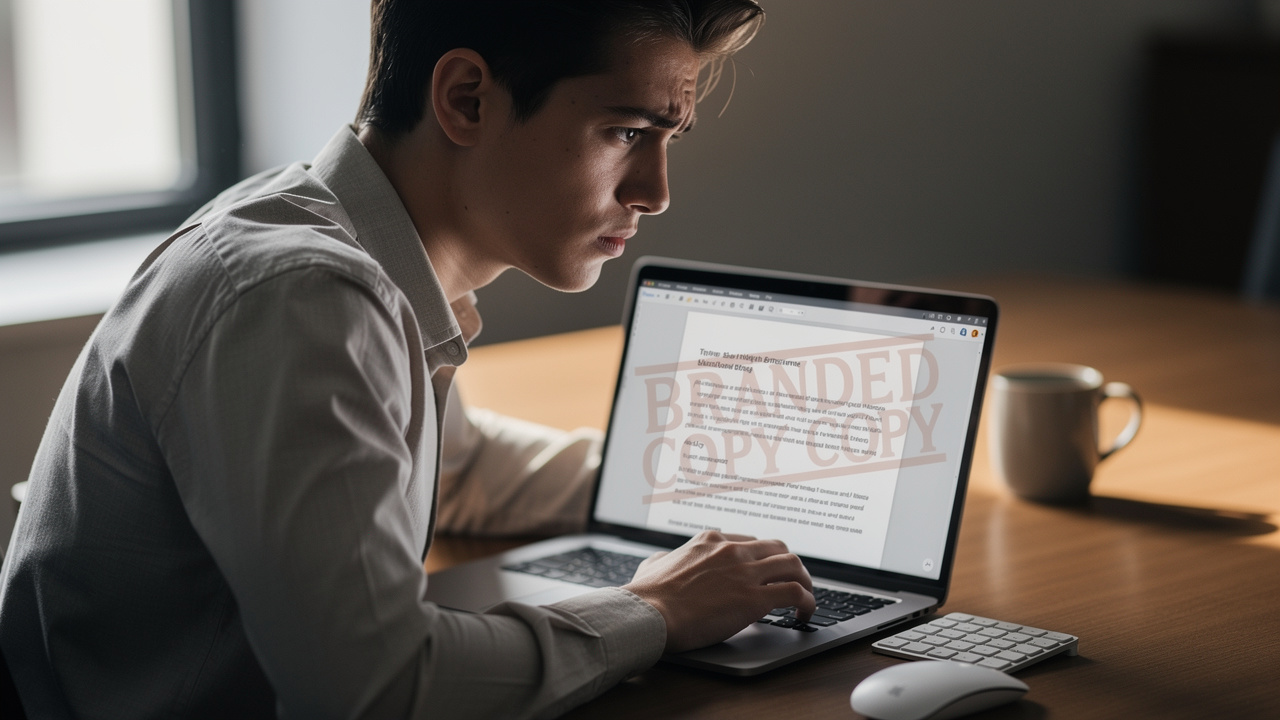
Most free PDF converters add watermarks because they need a way to pay for servers and storage. A logo on every page acts as both an ad and a push toward a paid plan, which is why so many “free” tools give you files you cannot comfortably use for school or work.
Many platforms follow the same pattern. They let you upload a file, choose a format, and run the conversion without warning. Only when you download do you see a large diagonal brand name across each page. Research from Nielsen Norman Group shows that this kind of surprise at the end of a task quickly damages trust.
According to Nielsen Norman Group, surprise friction late in a workflow is one of the fastest ways to destroy user trust.
— Nielsen Norman Group
There are two common styles of watermarking — a pattern examined in literature reviews on modern file format conversion solutions — where some tools add a small logo in a corner or thin footer while others cover the full page with a bold mark that clearly signals a free tier. Both send the same message: the free version is not meant for serious use, which hurts students and small teams most.
Freemium tools also use watermarks to steer people into subscriptions. A user uploads a thesis, invoice, or proposal, then sees a prompt that clean output “requires premium.” At that point the file is already on their servers, and many people pay just to avoid repeating the steps elsewhere.
A PDF converter without watermark, like iLovePDFKit, follows a different model. It removes pressure and gives the same clean file to everyone, no matter how often they convert. Coverage from tech outlets such as PCWorld shows that people keep returning to tools that stay honest about what is free and do not change rules in the middle of a task.
What A True Free PDF Converter Without Watermark Should Offer
A true free PDF converter without watermark gives you clean output, clear rules, and safe handling of your documents. The standard should match what you expect from installed software, only running directly in your browser.
First, every page should be free of extra marks. Your layout should carry over to the new format with fonts, images, and spacing intact. According to Adobe, the main purpose of PDF is to keep layout consistent across devices, so a converter that scrambles pages goes against the format itself.
Adobe describes PDF as a format that lets you “present and exchange documents reliably, independent of software, hardware, or operating system.”
— Adobe
Privacy and security matter from the first upload. A trustworthy online converter uses HTTPS with SSL or TLS so nobody can read your file as it travels between your device and their servers. Good tools then erase files soon after processing instead of storing them for long periods.
On top of that, practical rules shape daily use. A serious free converter keeps things simple:
No watermark on any output. Every file stays clean, whether you convert once a week or dozens of times a day, so homework, contracts, and reports are ready to send.
No mandatory account. You should be able to convert without creating an account, entering an email, or accepting newsletters. This saves time on shared school or office computers and helps keep one‑off tasks private.
No harsh daily caps. A real free tool does not block you after a few tasks or insist on payment just to keep working at the same pace. Students near deadlines and busy staff members can convert many files in a row without watching a counter.
Secure uploads and quick deletion. A safe converter protects transfers with SSL and deletes files shortly after conversion, cutting the risk of anyone reaching them later.
Works on any major platform. A modern browser‑based tool should run on Windows, macOS, Linux, Android, and iOS without admin rights or downloads. This is vital on lab machines, office desktops, and borrowed laptops.
Strong layout accuracy. A quality converter keeps fonts, tables, images, and spacing as close as possible to the source file, so you do not have to fix headers, footnotes, or charts after every conversion.
iLovePDFKit is built around this checklist, so people can convert PDF files online free without feeling tricked by hidden fees, limits, or layout problems.
What File Formats Can You Convert Without A Watermark?
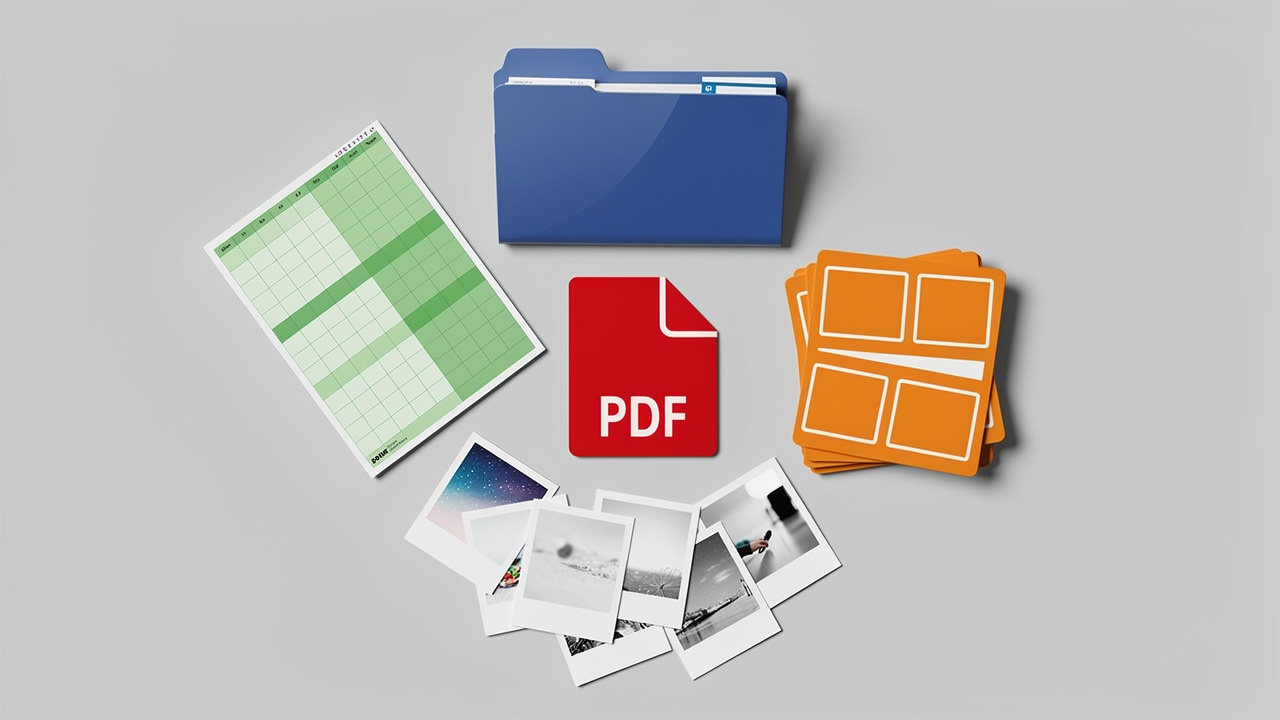
Watermark‑free conversion needs to support the file types you handle most. A good online converter works both ways: it turns Office files and images into PDFs and turns PDFs back into editable formats. This helps students, office teams, and freelancers use the same tool for daily tasks.
Converting to PDF is common when you send finished work. A student might export a Word essay to PDF before uploading to a learning platform. A small business might convert an Excel invoice so the customer cannot edit totals. A designer might turn PNG or JPG layouts into a single PDF for review.
Converting from PDF back to editable files is just as important. When you receive a PDF contract, schedule, or research paper, you often need to adjust text, copy tables, or reuse slides. A solid converter gives you a clean Word, Excel, or PowerPoint file that feels close to the original.
Here is a quick view of common clean conversions you can do with tools like iLovePDFKit:
| Convert To PDF (No Watermark) | Convert From PDF (No Watermark) |
|---|---|
| Word to PDF for essays, reports, and letters | PDF to Word for editing received documents |
| Excel to PDF for budgets, invoices, and data sheets | PDF to Excel for working with tables and numbers |
| PowerPoint to PDF for handouts and slide decks | PDF to PowerPoint for reusing or updating slides |
| JPG to PDF for scanned pages and photos | PDF to JPG for images in presentations or web pages |
| PNG to PDF for design files and screenshots | PDF to text or Office formats for search and edit tasks |
Image‑based conversions matter a lot for visual work. A photographer might run many JPG‑to‑PDF jobs for proof sheets and need every preview free of tool logos. A teacher might convert PDF to JPG with no watermark to keep lesson images clean. As Microsoft notes, documents that mix text, tables, and images are now standard in school and office work, so clean handling of pictures is essential.
With iLovePDFKit, you can also go beyond basic conversion. The same site lets you merge PDFs, split long files, compress large attachments, and apply password protection, all without marks on output pages. You do not have to switch sites every time a professor wants one PDF instead of three, or a client wants smaller file sizes for email.
iLovePDFKit – The Best Free PDF Converter With No Watermark
iLovePDFKit is a free, browser‑based PDF converter with no watermark on any file, no matter who uses it or how often. It focuses on straightforward steps, high‑quality layout, and strong privacy so people can rely on it for daily work. Students, office teams, and solo professionals all see the same clean interface.
Every conversion in iLovePDFKit produces a file with no extra logo, banner, or footer from the tool. You can convert Word to PDF, PDF to Word, Excel, PowerPoint, JPG, or PNG and the result is ready to submit or send. Following guidance from Adobe, the service keeps fonts, spacing, images, and tables close to the source.
Because iLovePDFKit runs entirely in the browser, you do not install anything or request admin rights. You simply open the site, pick a tool, drop your file, and download the result. The same experience works in Chrome, Edge, Safari, and Firefox on laptops, desktops, tablets, and phones.
Here is how iLovePDFKit stands out among free converters:
No watermark, ever. Every supported format—course work, contracts, design drafts—comes out clean, so you never redo a task on another site.
No account required. The full toolset works without email or password, which keeps quick conversions fast and private across school, office, and home devices.
No hidden usage caps. You can convert a batch of essays, invoices, or slide decks in one sitting without watching for a sudden lock screen.
Accurate layout. The conversion engine keeps fonts, tables, charts, pictures, and spacing very close to the original, which is especially helpful with complex spreadsheets, research papers, and long slide decks.
All‑in‑one PDF tools. Merge, split, compress, and protect features sit alongside conversion tools, so most PDF work can happen on a single site.
Focused on security. Uploads use SSL encryption, and files are removed from servers right after processing, so sensitive material does not linger online.
iLovePDFKit already serves thousands of people worldwide, from college students to freelance designers and office coordinators. For anyone who wants to convert PDF online without restrictions, it offers a simple, free, and watermark‑free option.
The Bottom Line On Watermark-Free PDF Conversion
Watermark‑free PDF conversion is not a luxury for big companies; it is the baseline every user should expect. A clean file respects your time, your work, and your readers—whether that is a teacher, manager, or client. When a converter adds its own logo, it pulls attention away from your content.
By choosing a trusted PDF converter without watermark, you get predictable rules, strong layout, and safer handling of your documents. iLovePDFKit delivers that mix for free, with no account, no task caps, and a full set of PDF tools in one browser tab. The next time you need to convert PDF files online free, start with a tool that keeps every page clean the first time.
Frequently Asked Questions
Question: Is there a truly free PDF converter that does not add a watermark?
Answer: Yes. Some online tools give you clean output at no cost, and iLovePDFKit is one of them. It lets anyone convert PDFs and Office files in a browser with no watermark, no trial period, and no sudden upgrade point.
Question: Can I convert PDF to Word online without a watermark and without signing up?
Answer: Yes. iLovePDFKit supports PDF‑to‑Word conversion with no registration at all. You upload the file, pick Word as the output, and download a clean .docx file with no logo and no limit on how often you repeat the process.
Question: Is it safe to upload documents to an online PDF converter?
Answer: It can be, as long as the converter uses SSL, deletes files quickly, and avoids long‑term storage. iLovePDFKit processes files over encrypted connections and removes them right after conversion, which helps protect homework, contracts, and other private material.
Question: Are there any daily limits on how many files I can convert for free?
Answer: iLovePDFKit does not set daily caps or task limits for free users. You can convert as many PDFs, Word documents, spreadsheets, and presentations as you need in a day without hitting a paywall or waiting for a reset.
