Introduction
The clock is ticking before a class presentation or client meeting, and the only version of the content is a PDF. Copying text box by text box into PowerPoint feels endless, and there is no time to rebuild every chart and image from scratch. This is where a free online PDF to PowerPoint converter changes things for the better.
PDF files are great for sharing, but they freeze the layout. Editing, rearranging, or turning those pages into clean slides becomes hard without the right tool. Manually recreating a deck eats up hours that could go into research, design, or actually preparing what to say.
iLovePDFKit steps in exactly at this point. It offers a fast, browser-based PDF to PowerPoint converter that works without downloads, sign-ups, or fees. In this guide, you’ll see what a free online converter does, how to convert a PDF to PowerPoint step by step with iLovePDFKit, why the formatting stays pixel perfect, who benefits most, and how the service stays free and secure.
Key Takeaways
iLovePDFKit gives you a free PDF to PowerPoint converter that runs in any modern browser. You can use it on a computer, tablet, or phone. There is no need to install software — just open the page and start.
The converter keeps fonts, images, colors, and layout in place. Each page from the PDF turns into a matching slide, so you move straight to editing instead of fixing broken designs. This saves a lot of time.
Every file moves through SSL encryption while it uploads and converts. iLovePDFKit removes both the original and converted files right after the process. Your content does not stay on their servers, which keeps sensitive documents safer.
The converted file is a standard PPTX presentation that you can edit in Microsoft PowerPoint or any compatible tool. Students, office staff, freelancers, and small business owners all gain a fast way to reuse PDF content for free.
“The key to great presentations is spending more time on your message than on your tools.” — Garr Reynolds
A reliable PDF to PPT converter helps you do exactly that.
What Is a Free Online PDF to PowerPoint Converter — and Why Do You Need One?

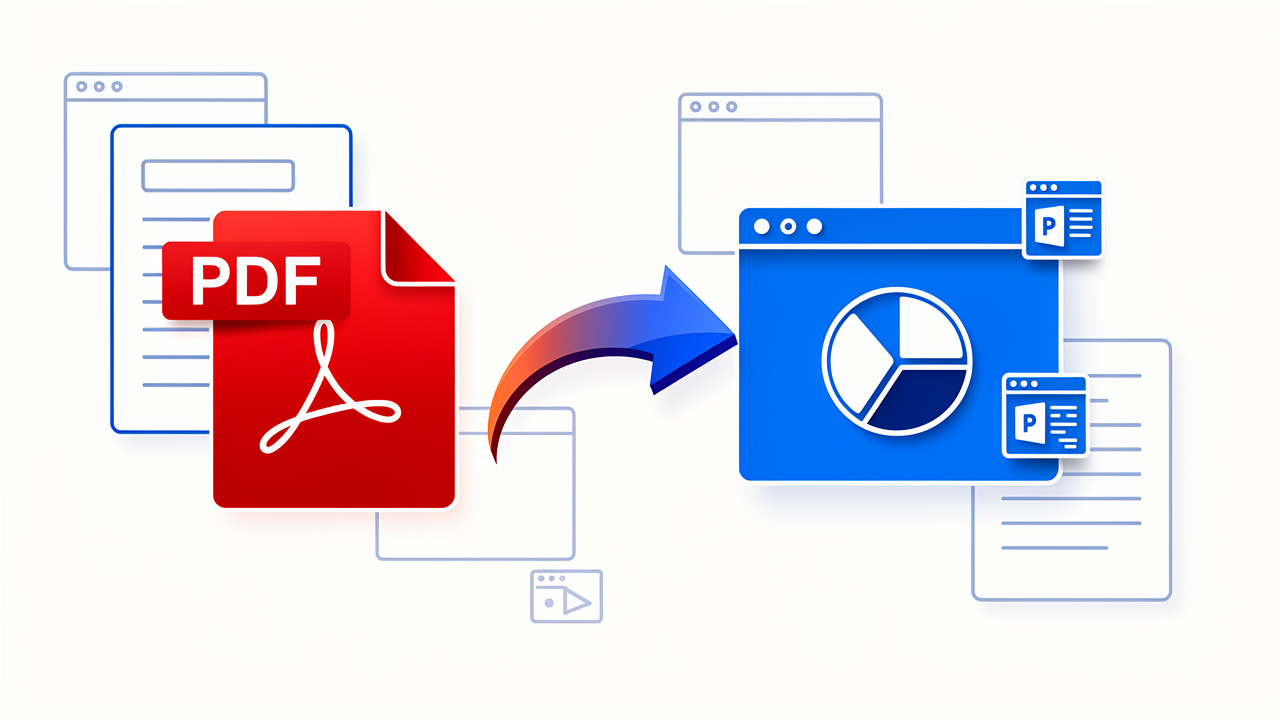
A free online PDF to PowerPoint converter is a web tool that turns a static PDF document into a fully editable PPTX file. It runs inside a browser, so there is no program to install and no license to pay for. You visit the page, upload a PDF, wait a few seconds, then download a ready-to-edit PowerPoint deck.
This type of tool solves a common problem. PDFs are built for viewing and sharing. They lock text, images, and layout into place so that everyone sees the same thing. That is helpful when you want to keep a file consistent, but it creates trouble when you need to reuse the content in a presentation or change numbers, charts, and notes.
Here are a few everyday situations where an online converter makes a big difference:
Students and researchers receive articles, lab reports, and study notes as PDFs but need to present the key ideas in class. With a free converter, those pages become slides that already carry the headings, quotes, and images in the right order. A few edits and design tweaks, and the deck is ready. No late-night copy-and-paste session.
Office professionals deal with annual reports, status updates, and client summaries that arrive as PDFs. Instead of rebuilding graphs and tables by hand, they can convert the PDF, clean up a few details, and share a polished slideshow in far less time.
Freelancers and small business owners often turn PDF proposals or service overviews into pitch decks. A browser-based converter gives them a quick way to reuse what they already wrote, without extra software costs or setup.
The old manual method of retyping and rebuilding every slide is slow and full of mistakes. An online converter removes that work. Because it runs in the browser, there are no compatibility issues across Windows, macOS, or mobile devices. PDFs stop being dead ends and start to act as flexible starting points for new, editable presentations.
How to Convert PDF to PowerPoint Online With iLovePDFKit (Step-by-Step)
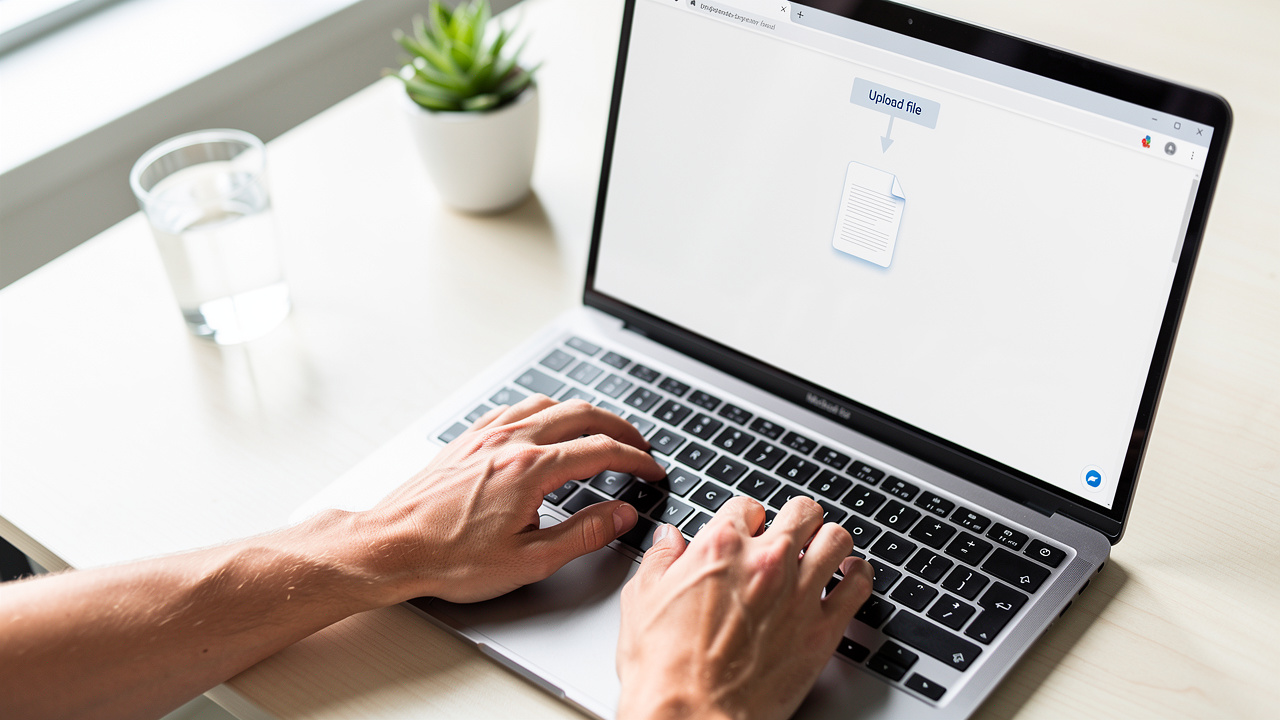
iLovePDFKit keeps the conversion process simple, even for someone who rarely edits documents. There is no account to create, no payment screen, and no extra setup. You only need an internet connection and a modern browser such as Chrome, Firefox, Safari, or Edge.
Open the iLovePDFKit PDF to PowerPoint converter page.
On a desktop, laptop, tablet, or phone, type the iLovePDFKit address into your browser and go to the PDF to PPT tool. The interface is clean and easy to read. You see a clear upload area and a short description of what the converter does.Upload your PDF from your device.
Click the upload button or drag the PDF file into the marked area. The tool accepts standard PDF files that come from scans, exported reports, or downloaded articles. You do not need to connect cloud storage or change any settings.Start the conversion with one click.
As soon as the upload finishes, iLovePDFKit starts to process the file. Its conversion engine reads each page, finds text blocks, images, and shapes, and then rebuilds them as real PowerPoint objects. Each PDF page becomes one slide, so the order of your content stays the same. Fonts, colors, and alignment stay close to the original layout.Download your editable PPTX file.
Within a few seconds for most documents, the tool shows a clear download button. Click it to save the PPTX file back to your device. You can then open it in Microsoft PowerPoint, PowerPoint Online, Google Slides, or any compatible software to start editing, presenting, or sharing.
Behind these four steps, iLovePDFKit uses SSL encryption from upload to download, so your file moves through a secure connection. Both the original PDF and the new PPTX leave the servers right after the process ends. There are no watermarks, no limits hidden behind a sign-up form, and no learning curve. It works like a true free online PDF to PowerPoint converter that you can rely on when time is short.
Key Benefits of Using iLovePDFKit’s Free PDF to PPT Converter
Now that the steps are clear, it helps to see why iLovePDFKit stands out among other web tools. Many converters promise quick results, but they can break layouts, add watermarks, or store files longer than needed — as explored in comparisons of AI PDF to PPT tools that highlight these common shortcomings. iLovePDFKit focuses on two things that matter most for students and professionals: it keeps the formatting accurate and treats security and cost with serious care.
Format Preservation and Pixel-Perfect Output

The biggest worry with any converter is a messy slide deck full of shifted text and missing images. iLovePDFKit uses an optimized engine that pays close attention to fonts, spacing, and layout. It does not simply take screenshots of pages. Instead, it recreates each element as a native PowerPoint object so that the file looks right and stays editable.
“Design is not just what it looks like and feels like. Design is how it works.” — Steve Jobs
Good PDF to PPT conversion follows the same idea: the slides should both look correct and work as real slides you can edit.
Every PDF page turns into a matching slide. Headings remain in the same place, images sit where they should, and charts keep their relative positions. Fonts and colors stay close to the source, which keeps the overall design consistent. This matters a lot if the original PDF follows a brand guide or academic style rules.
Because the output stays clean, there is little or no need to spend time fixing broken lines, moving images around, or rebuilding entire sections. Students can focus on polishing their story instead of wrestling with layouts. Office staff can move straight to updating numbers or adding speaker notes. A free online PDF to PowerPoint converter that produces this level of detail can save hours with every project.
To put this in context, here is how iLovePDFKit compares with many basic web converters:
| Feature | iLovePDFKit PDF to PPT | Many Basic Converters |
|---|---|---|
| Layout and font accuracy | Keeps layout very close to the original PDF | Text and images often shift or overlap |
| Editable objects in PowerPoint | Text boxes, images, and shapes remain editable | Content may be flattened as images |
| Watermarks | No watermarks on converted slides | Watermarks sometimes added to each slide |
| Ease of use | Clear steps, runs in any modern browser | Interfaces can be cluttered or confusing |
Security, Privacy, and Zero Cost

Uploading important files to a website can feel risky, especially for contracts, grades, or client data. iLovePDFKit treats this concern as a core part of its design. All uploads use SSL-encrypted connections from the browser to the server. That stops outsiders from reading the files as they move across the internet.
Just as important, iLovePDFKit does not keep files longer than it must. Once the PDF changes to PPTX and the download finishes, both versions leave the servers. No staff member opens user documents, so private information inside reports, agreements, or medical papers stays private. The safest data is the data that leaves no trace.
On top of that, the service stays one hundred percent free. There is no email wall, trial period, watermark, or paid upgrade needed for basic conversions. You visit the site, use the tool, and leave with a clean presentation.
For a quick recap, think about security and cost in three points:
Secure transfer: Every upload and download uses SSL encryption.
Short-lived storage: Files are removed from the servers soon after conversion finishes.
No usage fees: The core PDF to PPT tool is free, with no subscription required.
For students on tight budgets, small businesses that watch every expense, and freelancers who handle many clients, that model makes a real difference.
Who Benefits Most From a Free Online PDF to PPT Converter?

Anyone who works with documents can gain value from a free online PDF to PowerPoint converter, but some groups see extra benefits. Their daily tasks often involve turning written content into slides, usually under time pressure. iLovePDFKit fits right into those workflows.
Students and academics often receive lecture notes, research papers, and study guides as PDF files. When a professor assigns a presentation, those same files have to turn into slides fast. With iLovePDFKit, a student can convert the PDF, keep the original headings and citations in place, and then add comments or diagrams on top. That cuts prep time and helps keep focus on understanding the subject instead of fighting with formatting.
Office professionals and administrative staff handle reports, meeting packets, and client updates every week. These often arrive as PDFs that need to become boardroom or Zoom presentations. iLovePDFKit helps them turn those static pages into decks in seconds. The layout stays close to the original file, so they only need to adjust small pieces. This speeds up work for team briefings, sales meetings, and training sessions across the company.
Freelancers and small business owners depend on clear, fast communication with clients. Proposals, pricing sheets, and contracts often go out as PDFs but need to come back as slide decks for pitch meetings. A free web converter means they can change any PDF into a branded presentation whenever needed, without new software or monthly fees. That keeps the focus on closing deals and serving clients, not on tools.
Across these groups, iLovePDFKit supports more than just PDF to PowerPoint. The same platform can change PDFs into Word or Excel, and it can turn Office files or images into PDFs as well. That makes it a practical home base for everyday document work, all inside the browser.
Conclusion
Turning a PDF into a polished PowerPoint no longer has to feel like a late-night chore. With iLovePDFKit, the process takes just a few clicks. The converter runs online, stays free, and keeps the look of the original file so that the slides are ready for edits and presentation in minutes.
You do not need to install software, create an account, or worry about watermarks or hidden limits. Files move through SSL encryption and leave the servers right after conversion, which keeps sensitive data safer. The result is an editable PPTX file that matches the original PDF layout as closely as possible.
Whether the task is a school project, a client pitch, or a weekly status report, a free online PDF to PowerPoint converter like iLovePDFKit removes friction from the process. Visit iLovePDFKit, open the PDF to PPT tool, upload a file, and see how fast it turns into a clean slide deck. From there, the rest of the presentation is up to you.
FAQs
Is iLovePDFKit’s PDF to PowerPoint converter really free?
Yes, the converter is completely free to use. There are no hidden fees, watermarks, or subscription requirements. You do not need to create an account or share an email address. Just upload your PDF, convert it, and download the PPTX file at no cost.
Will my PDF’s formatting be preserved after conversion?
iLovePDFKit aims for pixel-perfect output, so fonts, images, colors, and layout stay very close to the original file. Each PDF page becomes one matching slide with elements in the same positions. In most cases, you can use the deck right away without extra formatting work.
Is it safe to upload my PDF files to iLovePDFKit?
Yes, the service uses SSL-encrypted connections for every upload and download. Both the original PDF and the converted PPTX leave the servers soon after the process ends. No team member reads or opens user files. This design keeps confidential information inside your documents private.
Can I use iLovePDFKit on my phone or tablet?
You can use the converter on any modern device with a browser. It works on desktops, laptops, tablets, and smartphones through Chrome, Firefox, Safari, or Edge. There is no app to install, so you simply open the site on your device and convert PDFs to PowerPoint in a few seconds.
