Table of Contents
- Introduction
- What Does It Mean to Merge PDF Files and Why Does It Matter?
- How to Merge PDF Files Free Online With iLovePDFKit
- Is It Safe to Merge PDF Files Online for Free?
- Why iLovePDFKit Is the Best Free PDF Merger for Everyday Users
- Locking It All Together Merge PDFs Free in Seconds With iLovePDFKit
- Frequently Asked Questions
Introduction
Managing piles of small PDFs is tiring when all you need is one clean file. It gets worse when someone asks you to install heavy software just to stitch a few pages together.
With iLovePDFKit, you can merge PDF files online for free straight from your browser. Upload your PDFs, drag pages into the right order, and click Merge. The merge pdf free tool needs no account, adds no watermarks, and works on any modern device, so the whole job finishes in seconds.
If assignments, reports, or client packets keep piling up as scattered PDFs, a simple browser tool makes everything calmer. The guide below shows how to use iLovePDFKit safely, quickly, and at no cost.
Key Takeaways
Merging PDFs with iLovePDFKit is completely free and runs inside your browser. Visit the site, add your files, arrange pages, and download a single combined PDF in seconds. There are no watermarks, paywalls, or surprise limits on normal use.
iLovePDFKit handles more than standard PDFs. You can drop in Word, Excel, PowerPoint, JPG, and PNG files, and the service converts everything into one final PDF. That means no separate converters before you start merging.
Security and access are part of the core design. Files move over encrypted connections and are removed from the servers shortly after processing. Because it runs in the browser, the same merge pdf free workflow works on Windows, macOS, Linux, Android, and iOS.
What Does It Mean to Merge PDF Files and Why Does It Matter?

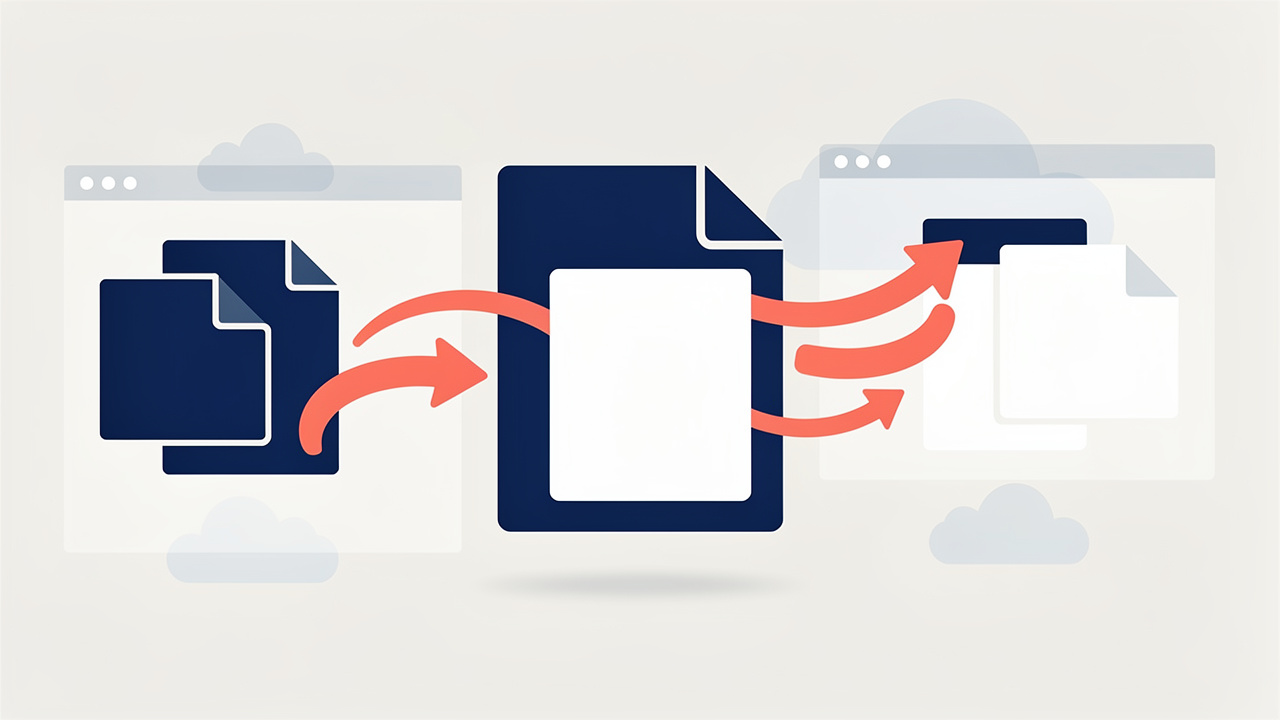
Merging PDF files means combining two or more documents into a single file while keeping fonts, layout, and images intact. Instead of juggling many attachments, you send or store one organized document in the exact page order you choose.
According to recent PDF industry statistics, PDF usage has become a daily workplace staple, showing how central this format is to modern document workflows. With that much use, knowing how to combine pdf files is basic file hygiene: one tidy PDF is easier to search, archive, and share than a folder full of loose pages.
“Clutter is nothing more than postponed decisions.” — Barbara Hemphill
Think about a student submitting work through Canvas or Google Classroom. Instead of attaching a cover page, essay, charts, and references as separate files, they merge pdf files into one polished submission. A researcher can do the same with journal articles, Excel charts, and slides exported from PowerPoint.
Freelancers and small businesses gain the same benefit. A designer can merge a proposal, contract, and invoice into one packet before sending it from Gmail or Outlook. An accountant can join tax forms and scanned receipts into a single timeline, saving clients and colleagues from chasing missing attachments.
How to Merge PDF Files Free Online With iLovePDFKit
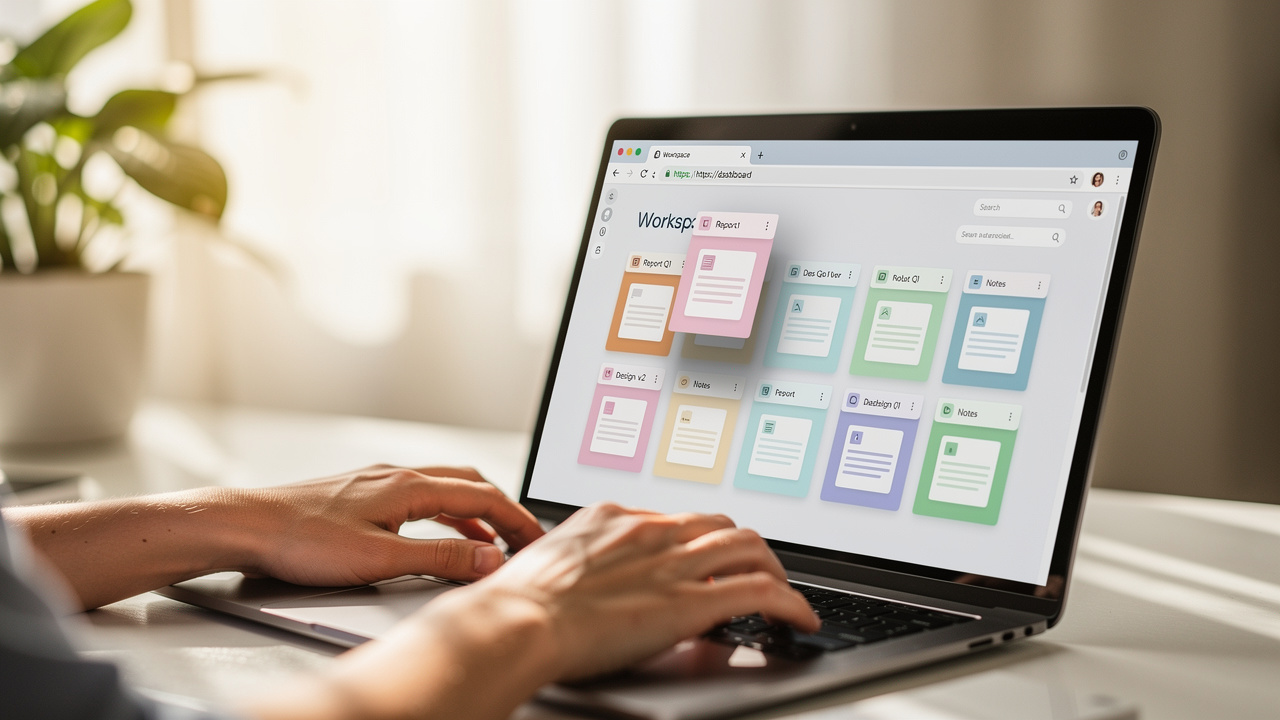
Merging PDF files free online with iLovePDFKit means you finish the whole task in your browser with no downloads or sign-ups. The steps are the same in Chrome, Safari, Firefox, or Edge on desktop or mobile.
First, open your browser and go to the iLovePDFKit merge page. The interface is clean, with a large area inviting you to add PDFs or other files. This is the starting point for any merge pdf free task.
Now follow these steps.
Open the merge tool on iLovePDFKit. Type the address or search for the brand in Google. The site loads in any modern browser without extensions, which is handy on school or office computers.
Upload your files by dragging them into the upload box or clicking Select Files. Choose files from local folders or cloud drives like Google Drive and Dropbox. Thumbnails help you confirm that the right items were added.
Arrange the order of files and pages using the thumbnail view. Drag items until the sequence matches your story, such as intro, data, and appendix. Rotate sideways scans or delete pages you do not need.
Start the merge with one click on the main Merge button. Processing happens on iLovePDFKit’s servers, so even older laptops or budget phones handle large jobs without slowing down.
Download your combined PDF or send it back to cloud storage. The finished document is watermark free and ready for email, Slack, Microsoft Teams, or any other channel. If something is out of order, run another quick merge.
After you follow this flow a couple of times, combining multiple pdf files into one feels almost as quick as attaching a single file.
What File Types Can You Combine When Merging PDFs?
When you merge pdf online free with iLovePDFKit, you are not limited to files that already sit in PDF format. The tool accepts everyday formats and quietly converts them into PDF pages before joining everything together.
You can add standard PDFs, scanned JPG or PNG images, and Office files from Microsoft Word, Excel, and PowerPoint. iLovePDFKit keeps fonts, colors, and layouts close to the originals, so a student can merge a .docx report, a scanned signature, and a .pptx deck into one submission, while a small business owner can combine budget sheets, product photos, and contract PDFs into a single client-ready file.
Is It Safe to Merge PDF Files Online for Free?

Merging PDF files online for free is safe when the service protects transfers and deletes files promptly, and iLovePDFKit follows that pattern. Uploads and downloads use SSL or TLS encryption, the same protection banks and major e‑commerce sites rely on, so your PDFs travel as scrambled data instead of open text.
As explored in the Flexera 2025 State of Cloud Report, cloud adoption continues to accelerate year over year, which shows how normal cloud processing has become for everyday tools like PDF mergers. Even so, you deserve clarity about what happens after you click Merge: iLovePDFKit removes uploaded documents and merged results from its servers shortly after processing finishes.
You also do not need an account to use the merge pdf freeware tools on the site. Skipping registration means no extra profile data to store.
For very sensitive files, such as medical records or certain legal papers, you might still prefer an offline editor like Adobe Acrobat Pro, where everything stays on your local disk.
“Trust is built with consistency.” — Lincoln Chafee
Before you upload files to any PDF combiner free website, take a minute to read its privacy page. Look for language about:
Encrypted transfers (HTTPS, SSL, or TLS).
Short file retention times after processing.
No resale or mining of document content.
Once those boxes are checked, a service like iLovePDFKit is a practical choice for homework packets, work reports, and scanned receipts.
Why iLovePDFKit Is the Best Free PDF Merger for Everyday Users

iLovePDFKit stands out as a free PDF merger because it removes common friction points. You pay nothing, create no account, and your merged file never carries watermarks or missing pages. For students, freelancers, and office teams, that straightforward behavior matters more than flashy branding.
Many competing services, including Adobe Acrobat online, restrict how many files you can join or nudge you into an upgrade after a few tasks — a limitation well-documented in PDF industry usage reports. According to Adobe, its online merger limits free jobs to one document of up to 100 files and 1,500 pages at a time, which can interrupt large class packs or long client reports.
iLovePDFKit offers merge pdf files free with no strict daily task caps for normal users, and it adds a full kit of PDF tools. You can split long PDFs, compress files to fit email limits, convert Word, Excel, PowerPoint, JPG, and PNG, set open passwords, or extract single pages. Reviews from PCWorld note that modern free PDF suites now cover most daily needs, and iLovePDFKit fits that pattern.
Mobile access is another strength. Data from Pew Research Center shows that over 80 percent of adults in the United States own a smartphone, so document work often happens on the go. Because iLovePDFKit runs in the browser and connects to Google Drive, Dropbox, and local folders, you can merge, convert, and store PDFs wherever you already keep your files.
Locking It All Together Merge PDFs Free in Seconds With iLovePDFKit

Merging PDFs no longer requires clunky desktop programs or confusing trial versions — today’s free PDF merger tools run entirely in your browser with no installation needed. With iLovePDFKit, you open a web page, drop in your files, and get one clean document in less time than it takes to find a USB drive.
Because the merge pdf free tool adds no watermarks, hides no pages, and asks for no registration, you can rely on it for polished submissions. Encryption during transfer and quick deletion on the server side help protect your information while still giving you cloud speed.
The next time a teacher, manager, or client asks for one combined PDF, you already know the fastest path: open iLovePDFKit in your browser, follow the simple steps, and turn scattered files into a single organized document in seconds.
Frequently Asked Questions
Each answer below focuses on how iLovePDFKit handles common concerns about free online PDF merging, so you can decide if it fits the way you work.
Question: Can I merge PDF files for free without creating an account?
Yes. You can merge PDF files for free on iLovePDFKit with no account. Open the website, add your files, arrange them, and click Merge. The combined PDF downloads directly, with no email or password needed.
Question: Does merging PDFs affect the quality or formatting of the original files?
No. Merging with iLovePDFKit keeps fonts, margins, tables, and images close to the source files. Even when you combine Word reports, Excel sheets, and scanned images, the final PDF mirrors the originals in sequence.
Question: Is there a limit to how many PDF files I can merge at once?
iLovePDFKit is designed for everyday work without tight daily limits for normal use. You can combine many PDFs in one go and repeat the process as often as your projects require.
Question: Can I merge a password-protected PDF with other files?
Yes, if you know the correct password. When you upload a locked file, the tool asks for the password before including it. If the password is missing or wrong, that file stays out of the merged document.
Question: Does iLovePDFKit work on mobile devices for merging PDFs?
Yes. iLovePDFKit works in mobile browsers on both iOS and Android. Because heavy processing happens on the server, even budget phones can handle large merges with just a modern browser and internet connection.
