Table of Contents
- Introduction
- What Does It Mean To Rearrange PDF Pages Online?
- How To Rearrange PDF Pages Online With iLovePDFKit: Step-By-Step
- What Should I Look For In A Free Online PDF Page Organizer?
- Who Benefits Most From Rearranging PDF Pages Online?
- The Bottom Line
- Frequently Asked Questions
Introduction
When a PDF is out of order, even simple documents feel confusing and unprofessional. The easiest free tool to fix that is iLovePDFKit, which lets you rearrange PDF pages online with a quick drag and drop. It opens in your browser, needs no sign-up, and returns clean files with no watermarks.
Mixed-up scans or shuffled chapters slow grading, approvals, and client reviews because people must hunt for the right page. A clear online page organizer puts every thumbnail in front of you so you can repair the story quickly instead of scrolling back and forth.
This guide explains what rearranging pages means, shows how to use iLovePDFKit step by step, compares it with desktop software, and explains who benefits most. Keep reading to see how to reorder any PDF from any device without paying or installing anything.
Key Takeaways
Rearranging pages on the web sounds simple, but a few details make a big difference.
You learn what it means to rearrange pages in a PDF. Whole pages move instead of single lines of text, and the layout on each page stays the same from start to finish.
You see how drag and drop tools make reordering fast and visual. Thumbnails let you spot mistakes right away, which keeps long reports and research papers easy to follow.
You find out that iLovePDFKit works with no account, software, or payment. Open the site, upload your file, change the order, and download. The file stays free of logos and extra marks.
You understand how online processing stays safe. iLovePDFKit uses encrypted connections and removes files after processing. That helps protect contracts, grades, and client documents.
You discover which users gain the most from online PDF organizers. Students, office staff, and freelancers can work from shared or personal devices. The same tool fits all of those workflows.
“Fix page order first; clear structure makes every document easier to read.” — Common editing advice
What Does It Mean To Rearrange PDF Pages Online?
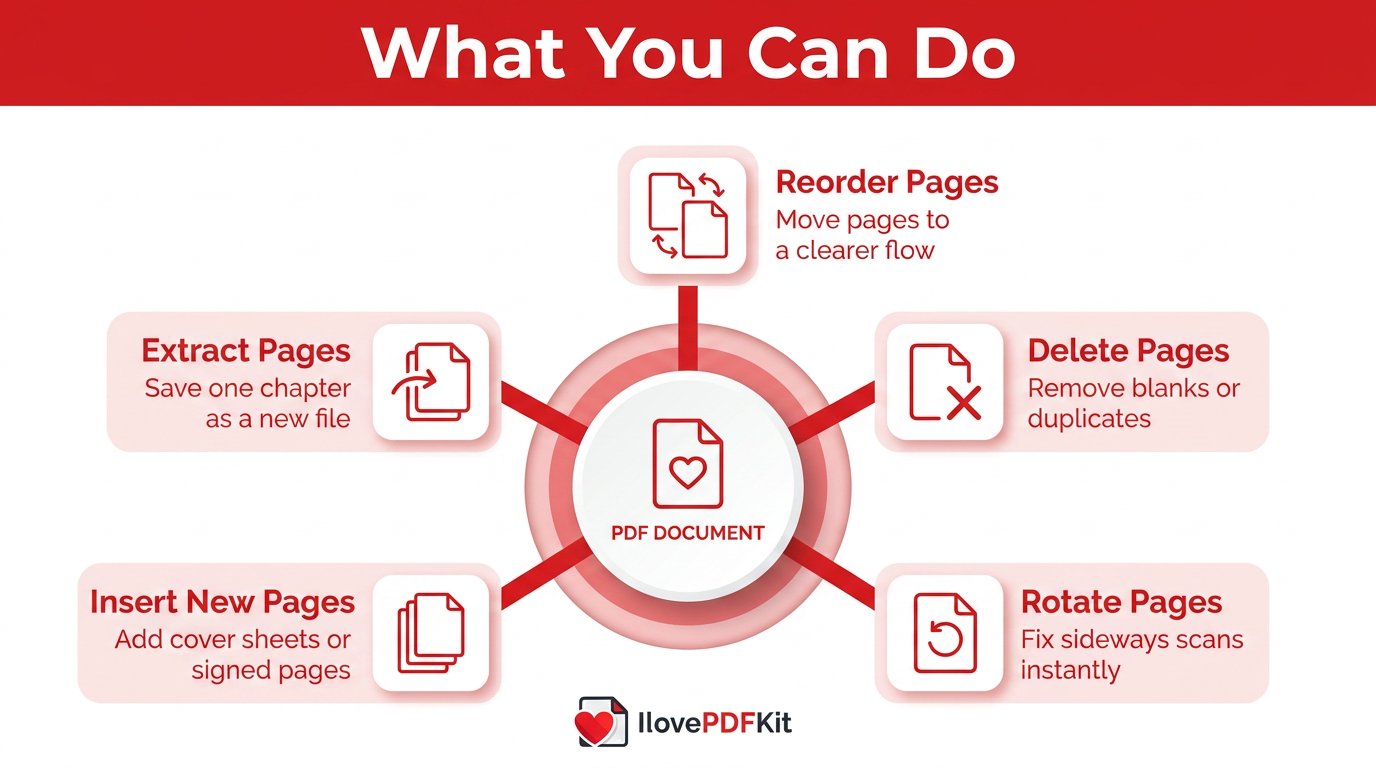
Rearranging PDF pages online means changing the position of entire pages inside a PDF without touching the content on each page. Instead of editing words or images, you move page blocks so the story flows in the right order. The final file looks the same; only the page sequence changes.
According to Adobe, hundreds of billions of PDFs open in Acrobat products every year, which shows how common this format is in daily work. With that much usage, page order problems appear often. Online organizers help clean things up quickly.
When people talk about rearranging pages, they usually mean several possible actions:
You reorder pages so they appear in a clearer flow. For example, you might move a summary from the back to the front. This helps readers see the most important points sooner.
You delete pages that are blank, duplicated, or no longer needed. That keeps the file lighter and easier to read and avoids confusing the reader with outdated sections.
You rotate pages when scans show up sideways. A quick turn fixes reading on phones and laptops and prevents people from twisting their screens or printing wasted copies.
You insert new pages from other PDFs. This is handy for adding a cover sheet, a signed page, or an updated chart. The inserted page takes its place without changing the others.
You extract pages into a separate file. That is useful for sharing just one chapter or one form. The original document stays intact on your device.
Tools like the Reorder PDF Pages organizer and others handle all of this through a browser window. There is no installer, no license key, and no need for admin rights on a school, library, or office computer. You upload a file, adjust the thumbnails, and download a new PDF that keeps fonts, images, margins, and colors exactly as before.
Tip: “Always keep a copy of the original file before changing page order, so you can go back if needed.” — General document management tip
How To Rearrange PDF Pages Online With iLovePDFKit: Step-By-Step
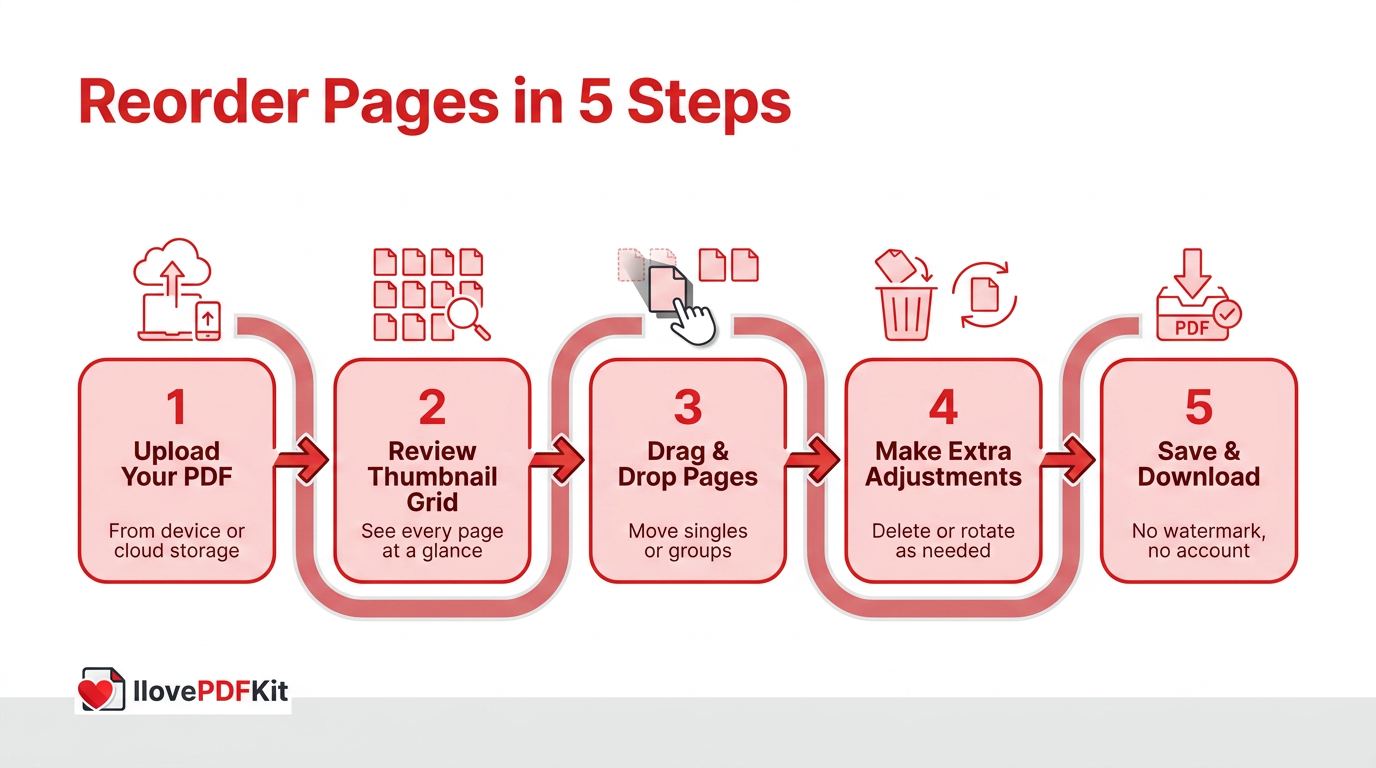
Using iLovePDFKit to rearrange PDF pages online is a short, guided process that runs fully in your browser. The tool shows every page as a thumbnail so you can drag things into place in less than a minute for most files.
Here is how it works in practice.
Upload Your PDF
Open iLovePDFKit in any modern browser such as Chrome, Firefox, Safari, or Microsoft Edge. Click the button to select a file or drag your PDF straight into the upload area. You can also pull files from cloud storage services like Google Drive or Dropbox, which is helpful when you work across devices.
Review The Thumbnail Grid
After upload, iLovePDFKit shows a grid of page thumbnails that match your document. You see covers, charts, tables, and text blocks at a glance. This makes it easy to spot sections that landed in the wrong place, such as a sideways scan or a moved appendix.
Drag And Drop Pages Into The Right Order
Click any thumbnail, hold it, and drag it to a new position in the grid. You can move a single page or select several pages in a row and move them together. The grid updates in real time so you always see the new order before saving.
Make Extra Adjustments If Needed
Inside the same view, you can delete pages you no longer want in the final file. You can also rotate sideways pages until they are easy to read. If you forgot a section, you add another PDF and place its pages wherever they fit best in the story.
Save And Download Your New PDF
When the page order looks right, click the button to process the file. iLovePDFKit keeps fonts, images, spacing, and colors pixel perfect so nothing shifts on the page. A fresh PDF is ready to download within seconds, with no watermark and no request to create an account.
According to PCWorld, many people now handle daily PDF tasks entirely through free browser tools because they are so fast for simple jobs. iLovePDFKit follows that same pattern: no software, no registration, and no daily task limits that get in the way of your work.
“Think of thumbnails as a storyboard for your document.” — PDF layout tip
What Should I Look For In A Free Online PDF Page Organizer?
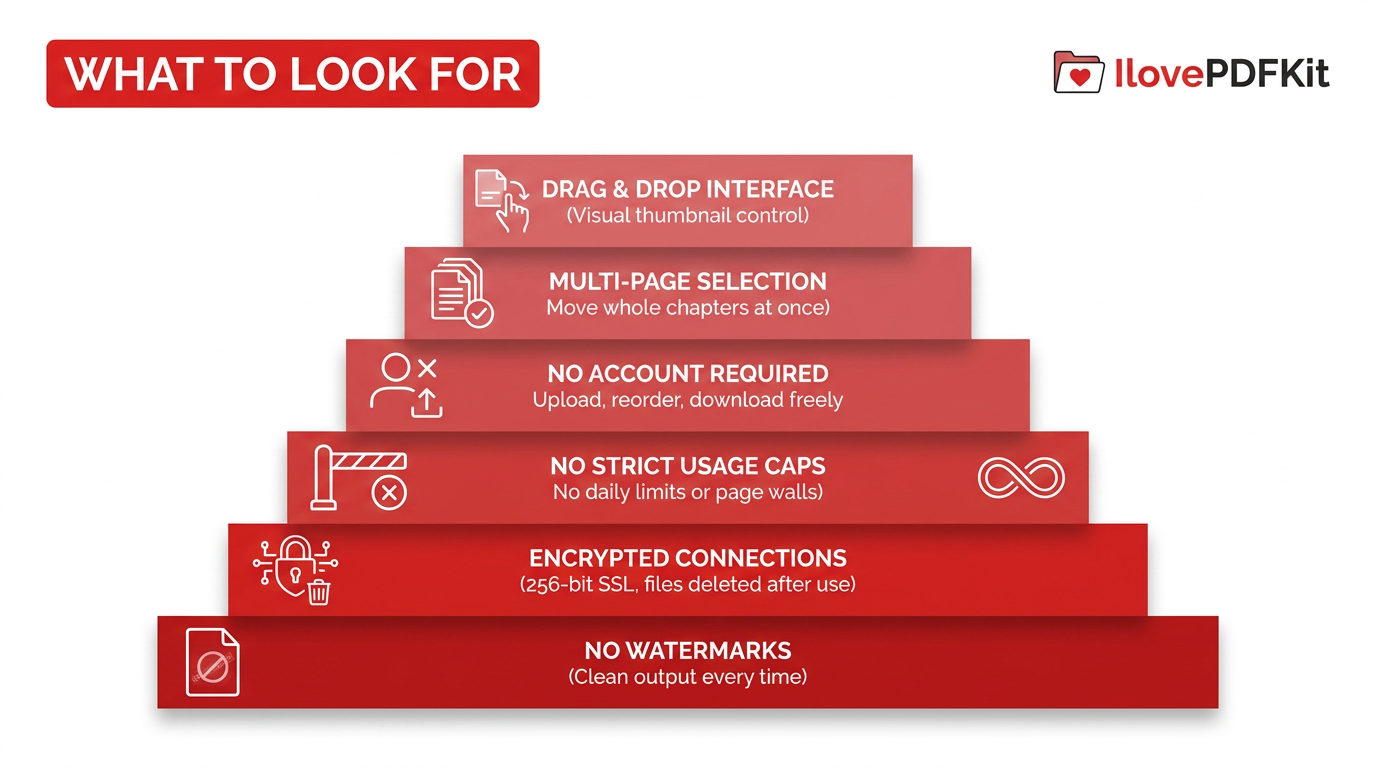
A good free online PDF page organizer gives you visual control, strong privacy, and freedom from hidden caps or logos. When you compare tools, focus on features that keep your work simple and your documents safe.
Key things to pay attention to include:
A clean drag and drop interface that shows page thumbnails. This keeps you from guessing page numbers or jumping through long menus. You simply grab the page you see and move it where it belongs.
Multi-page selection so you can move whole chapters at once. That saves time when you need to shift a ten-page methods section or a stack of slides. iLovePDFKit lets you select groups and move them as a block.
No forced account creation before you download. Many services stop you near the end and ask for an email or login. iLovePDFKit keeps the entire rearrange process open, from upload through download, with no profile at all.
No strict daily task limits or tiny file caps — for comparison, solutions like Reorder PDF Pages on ToolboxKit show how free tools can offer rotate, remove, and reorder features without restrictive usage walls. Some tools allow only a few operations per day or restrict pages per file, especially in free tiers. iLovePDFKit does not put tight caps on normal use, so power users and admins can keep working.
Strong security with encrypted connections and quick file removal. iLovePDFKit uses SSL with 256-bit security, the level recommended for sensitive data by NIST. Files are removed from servers after processing, which lowers the risk of long-term exposure.
Cross-platform support across Windows, macOS, Linux, Android, and iOS. Because iLovePDFKit runs in the browser, it works the same way on laptops, tablets, Chromebooks, and phones.
Clean output with no watermarks added to your content. That matters for resumes, client reports, and graded work. iLovePDFKit returns a file that looks exactly like your original, just with pages in a better order.
Competing tools such as Adobe Acrobat Online offer strong features but often keep the most useful tasks behind sign-in walls or paid plans. Adobe, for example, caps some free merge jobs at 100 files and 1,500 pages per task, then steers users toward subscriptions. iLovePDFKit keeps its rearrange features free, open, and ready whenever you need them.
iLovePDFKit vs. Desktop Software: Which Is Better For Reordering Pages?
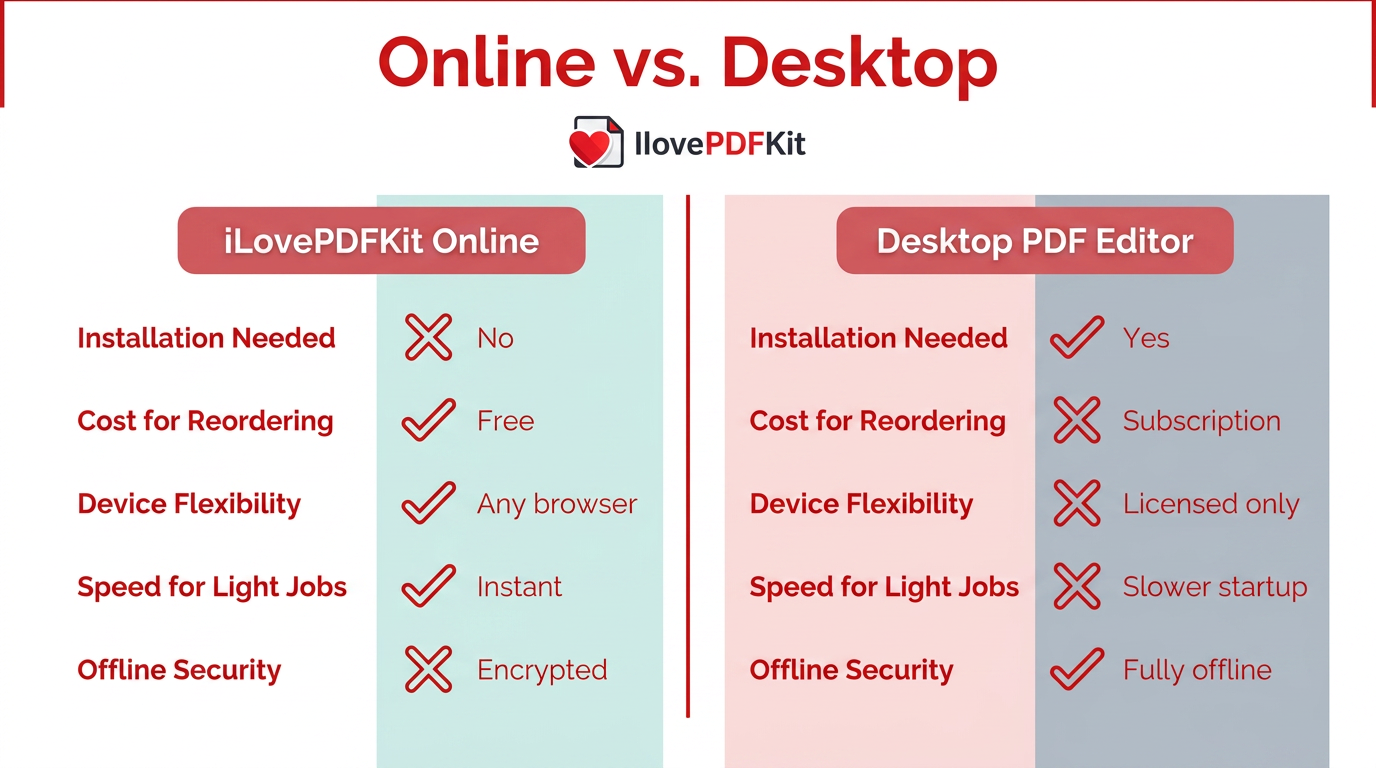
For pure page reordering, a browser-based tool like iLovePDFKit usually wins on speed and convenience. Desktop software can still matter for deep editing, but it is often more than you need for simple page moves.
| Factor | iLovePDFKit (Online) | Desktop PDF Editor (for example, Adobe Acrobat Pro) |
|---|---|---|
| Installation Needed | No | Yes |
| Cost For Reordering | Free | Often subscription based |
| Device Flexibility | Any device with a browser | Licensed devices only |
| Speed For Light Jobs | Opens fast for quick drag and drop moves | Can feel slower to start and load large programs |
| Offline Security | Files processed through encrypted connections | Works fully offline on local storage |
For rearranging pages, most users gain more from a free browser tool that opens instantly and works on shared machines. Heavy tasks like OCR, editing paragraphs, or building advanced forms still favor full desktop editors, so you can always keep those for special cases.
Who Benefits Most From Rearranging PDF Pages Online?
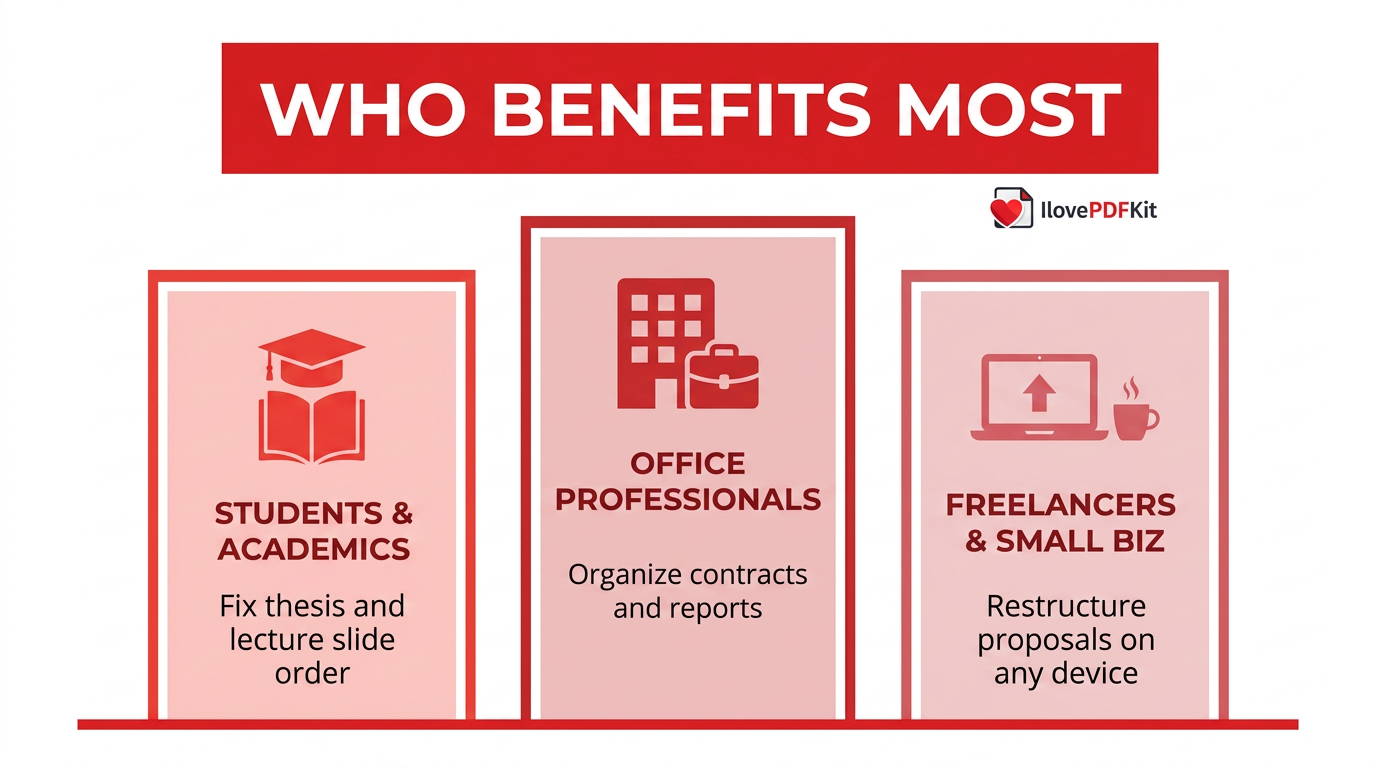
Rearranging PDF pages online helps anyone who sends, grades, or reviews multi-page documents and wants them to read in a clear order. Students, office staff, and independent workers all save time when they fix page flow without installing extra software.
Students and academics often scan articles, combine lecture slides, and merge drafts from different tools. It is easy for a methods chapter or an appendix to land in the wrong place during this process. With iLovePDFKit, a student on a campus Chromebook can reorder pages, remove rough notes, and prepare a clean thesis file from the library or a dorm.
Office professionals and administrative staff manage contracts, quarterly reports, policies, and meeting packs. Signature pages, attachments, and charts can drift as versions change. An online organizer lets an assistant move a signature page back to the end, remove outdated inserts, and keep a single master PDF in the right order without calling IT.
Freelancers and small business owners use PDFs for proposals, portfolios, and invoices. A client might ask for pricing before case studies or want supporting data moved to an appendix. With iLovePDFKit, a freelancer can reorganize a 25-page pitch on a tablet between meetings and resend it quickly.
Disorganized files also hurt productivity across a team. Research from McKinsey suggests knowledge workers spend about 1.8 hours each day searching for information. Clear, well-ordered PDFs do not fix every delay, but they remove one common source of confusion and back-and-forth messages.
The Bottom Line
Rearranging PDF pages online is now a fast, free task that you can handle directly in your browser. iLovePDFKit gives you a clear thumbnail view, easy drag and drop controls, and clean downloads with no accounts or watermarks.
Because page order is only one part of document work, iLovePDFKit also includes merge, split, compress, convert, extract, page number, and password tools in the same interface. You can organize, shrink, and secure your files without jumping between sites or installing software.
If you want a simple way to reorder pages right now, open iLovePDFKit, upload a PDF, and start dragging pages into place. Your next well-organized document is only a few clicks away.
Frequently Asked Questions
Question: Can I rearrange PDF pages for free without creating an account?
Yes, you can rearrange PDF pages for free on iLovePDFKit with no account at all. You upload a file, reorder pages in the browser, and download the result. No email address, password, or profile is ever required to finish the task.
Question: Is it safe to upload sensitive documents to an online PDF organizer?
Yes, iLovePDFKit protects uploads and downloads with SSL encryption that uses 256-bit security. Files are processed for only a short time and then removed from servers. Since there is no user account, there is no stored activity history linked to your name.
Question: Can I reorder pages in a PDF on my phone or tablet?
Yes, you can reorder pages on smartphones and tablets using iLovePDFKit in a mobile browser. The same drag and drop thumbnail view appears on Android and iOS devices. No separate app is needed, and the tool works much like it does on desktop.
Question: What other PDF tools are available alongside the page reorder tool?
Alongside page reordering, iLovePDFKit offers PDF Merge, Split, Compress, Convert for Word, Excel, PowerPoint, JPG, and PNG, plus Extract and Add Page Numbers. You can also protect PDFs with passwords. All of these functions open in one browser tab so you stay in a single workspace.
Question: Does rearranging pages affect the formatting or content of my PDF?
No, rearranging pages does not change the content or formatting of your PDF. iLovePDFKit moves each page as a whole unit, keeping fonts, images, tables, and layout exactly the same. Only the order of the pages changes in the final file.
