Introduction
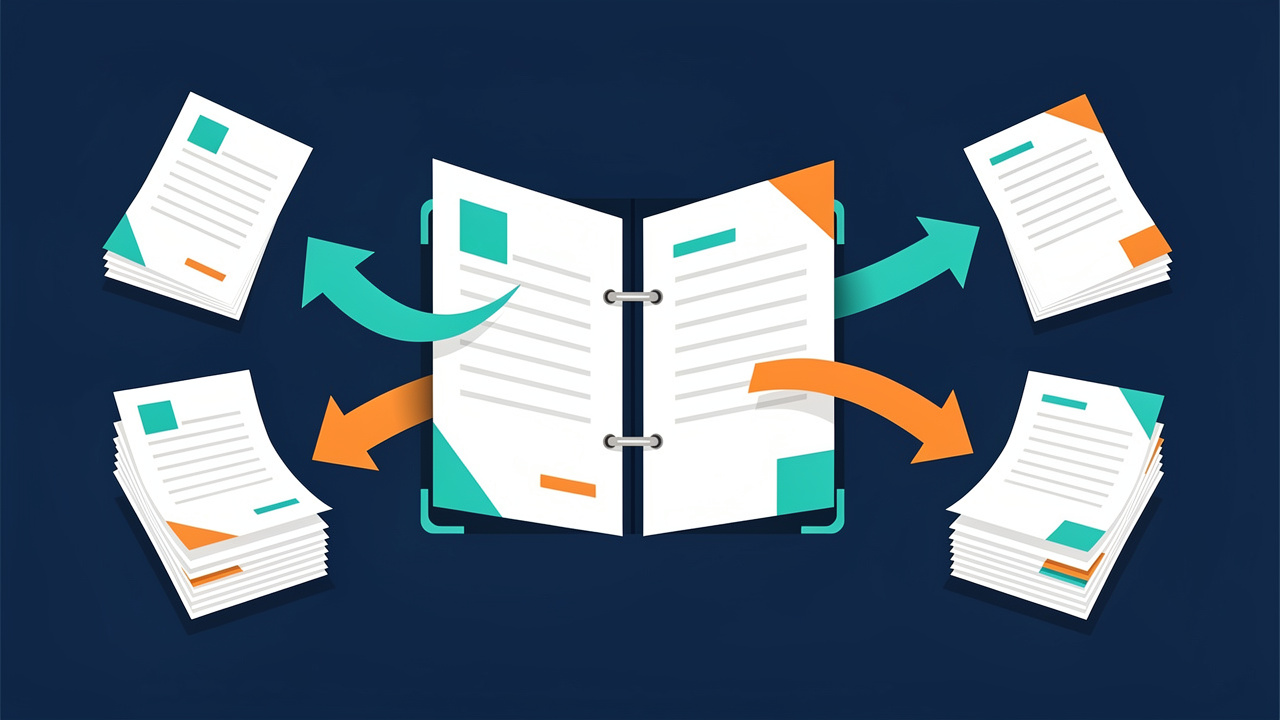
A giant PDF can feel like a packed binder on a desk when the only thing that matters is one chapter, one invoice, or one slide. Maybe the file holds a 300‑page textbook or a long client contract and the task is simple: the goal is to extract pages from PDF and keep just the parts that matter.
To extract pages from a PDF means to pull out specific pages and save them as a separate, clean file. The original document stays the same. That way a student can send only the chapter they need to review, an office assistant can send one invoice, and a freelancer can share a single polished proposal page instead of a bulky bundle.
The problem is that many tools turn this simple task into a headache. Paywalls appear after one use, random limits block, or a signup screen demands an email and password before anything happens. On some computers, installing software is not even allowed, and some tools add watermarks that look unprofessional.
iLovePDFKit removes all that friction. Its Delete PDF Pages tool runs right in the browser, costs nothing, and never asks for registration. In this guide, the steps to extract pages, the features that matter in any PDF page extractor, and the way iLovePDFKit protects files will be clear. By the end, that huge PDF will feel simple and under control.
Key Takeaways
Fast Browser-Based Extraction: It is possible to extract pages from a PDF in just a few seconds through a browser without any software download. The whole process stays simple and clear from start to finish, even when the original file is very large.
No Account Required: iLovePDFKit lets anyone extract pages instantly for free with no account and no email form. Every visit works as a fresh session with no profile to manage. That keeps the task fast and private at the same time.
Batch Deletion For Long Files: Batch deletion in iLovePDFKit makes long documents much easier to handle by removing many pages. That saves time for big textbooks, slide decks, or monthly reports so the final file holds only the pages that matter.
Safe Handling And Encryption: Files move through SSL‑protected connections and leave iLovePDFKit servers shortly after processing. Free tools like this already cover almost every daily need, so there is no need for a paid plan in most cases. Users get safe, quick, and reliable results.
What Does It Mean to Extract Pages from a PDF?
To extract pages from a PDF means to pick certain pages out of a larger file and save them in a new document. The original file does not change at all. The tool reads the big PDF, copies the chosen pages, and creates a second file that contains only those pages.
There are two main ways this new file can look.
Single Combined PDF is the most common choice. This option groups several selected pages into one new document. The pages can sit next to each other in the original file or be far apart. It works well for custom study guides, short reports taken from long research papers, or a handout built from several parts of a slide deck. The layout, fonts, and images stay the same as in the source file.
Individual PDF Files give more control for record‑keeping. Each chosen page turns into its own single‑page PDF. This setup fits tasks such as filing separate invoices, receipts, or scanned forms that first came in one big scan. It makes it easier to label and store each record by date, client, or project.
This simple action shows up in many real situations:
A student might pull out three chapters from an ebook to keep a lighter file on a tablet.
A lawyer can share only the key clauses of a contract with a client.
An office worker can send a single pay stub instead of a full payroll report.
A freelancer can share one strong portfolio page without sending the whole archive.
In every case, PDF page extraction keeps the original file safe while giving a focused document that saves time for both sender and reader.
How to Extract Pages from a PDF with iLovePDFKit
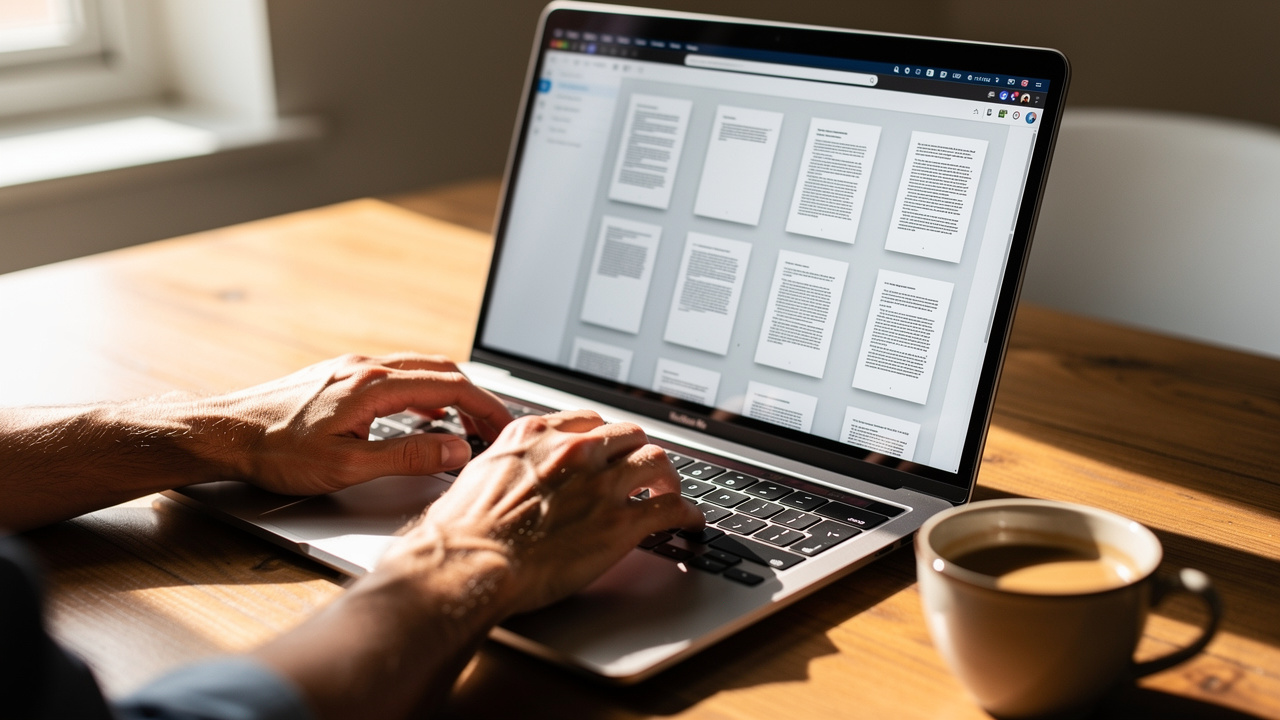
iLovePDFKit centers its Delete PDF Pages tool on a clear idea: by deleting the pages that are not needed, the pages that should stay form a clean new PDF. In practice this works as a simple way to extract the important pages without editing anything by hand.
The whole process follows four easy steps.
Upload Your PDF
Open iLovePDFKit in any modern browser on a computer, phone, or tablet. The main area shows a clear zone where the file can move. Drag and drop the PDF into that zone or click once to choose it from local storage. There is no need to create an account or enter any personal data before the file loads, and large files upload just like small ones.Preview and Select Pages
After upload, the tool shows a grid of page thumbnails along with a larger preview. This layout makes it simple to see which pages belong to a chapter, an invoice, or a slide section. Click on the pages that should go away and mark several at once through batch deletion support, even when the pages are far apart in the document. This method works very well for long documents because large blocks can vanish in only a few clicks.Delete Unwanted Pages
Once the pages to remove are marked, check the preview to make sure the pages left behind are the ones needed. Then press the process button to start. iLovePDFKit runs an optimized engine that finishes the task in a short time even when the file has many pages or heavy images. The pages that stay form the base for the new PDF file.Download Your New PDF
When the process ends, a clear download option appears on the screen. The new PDF now holds only the pages that were kept. Click to save this file to the device or pass it on through email, chat, or a learning platform. No sign‑up blocks this step and no hidden paywall appears after one or two uses.
This workflow fits school computers, office machines, and any shared device because no software install is needed at any point. The tool runs fully in the browser on Chrome, Edge, Safari, Firefox, and other common options.
For very long reports or slide decks, a helpful method is to use batch deletion to mark many unwanted pages at once. This often cuts the task from many minutes of clicking into a quick pass that feels much easier to handle.
“Simplicity is the ultimate sophistication.” — Leonardo da Vinci
That idea sits at the core of tools like iLovePDFKit: a clear layout, a few buttons, and no distractions.
Key Features to Look For in a PDF Page Extractor
Not every tool that claims to extract pages from a PDF gives the same experience — a comparison of best AI tools for parsing PDF documents shows just how widely quality and features can vary. Some hide simple features behind sign‑up walls while others change the look of the file. A short checklist makes it easier to pick a tool that matches real needs, and iLovePDFKit follows this list closely.
No Forced Sign‑Up Or Accounts
A strong PDF page extractor does not force a sign‑up step before any work starts. The best tools let a person land on the page, move a file, and start to work right away. iLovePDFKit treats each visit as a clean session, so there is no profile, no inbox spam, and no password to remember for simple daily tasks.Browser‑Based Access On Any Device
Browser‑based access matters just as much as speed. A tool that runs in the browser removes worries about system rules on work or school devices. iLovePDFKit works on Windows, macOS, Linux, Chromebooks, and mobile devices without any install or admin rights.Accurate Page Preview
Clear page preview makes mistakes far less likely. A good tool shows a full grid of thumbnails and a larger view of any page that gets clicked. iLovePDFKit follows this pattern so users can see text, charts, and images before they decide which pages stay or leave. That way, there is no need to repeat the task because the wrong slide vanished.Batch Page Selection
Batch page selection is another key factor. When a file has hundreds of pages, clicking one by one can wear anyone down. With iLovePDFKit, several pages can be marked in one go, which saves a lot of time for long reports, theses, or pitch decks.Speed Without Queues
Speed also plays a large role in daily work. A slow queue that asks a person to wait every time breaks the flow of a busy day. iLovePDFKit runs fast, even with image‑heavy files, so the new PDF usually appears within seconds.High Output Quality
Last, output quality should never drop. Fonts, spacing, images, and colors must look the same as in the original. iLovePDFKit keeps this pixel‑perfect style so an extracted chapter, slide set, or invoice looks just as professional as the full document.
For a quick overview, these features line up like this:
| Feature | Why It Matters For PDF Extraction |
|---|---|
| No sign‑up | Keeps quick tasks from turning into account management |
| Browser access | Works on locked‑down school or office machines |
| Page preview | Reduces mistakes before deleting pages |
| Batch selection | Speeds up work on long documents |
| Fast processing | Fits into busy study or work days |
| High quality file | Keeps pages ready for printing or sharing |
Is It Safe to Extract PDF Pages Online?

Many people hesitate before they upload a contract, grade report, or client invoice to any online tool, and research such as SciDaSynth: Interactive Structured Data extraction studies highlights how sensitive structured document data can be when processed through external systems. That concern makes sense. These files often hold personal data, money details, or private project notes, so safety can never be an afterthought.
iLovePDFKit handles this concern by using SSL encryption for file transfer. This means that when a PDF moves between the device and the service, the content travels through a protected channel. Outside parties cannot read the data in transit, and the same layer of protection appears again when the new file comes back for download.
“If a tool keeps your documents longer than needed, treat that as a warning sign.” — Common advice in data privacy training
File handling after the task ends matters just as much. iLovePDFKit follows a no‑file‑storage policy. Both the original PDF and the processed version leave the servers shortly after the operation finishes. They do not sit in long‑term storage, and there is no archive that can be browsed later. This follows a simple idea that guides the platform and says “The safest data is the data you never store.”
Because the service does not ask for accounts, there is also no central user profile. The tool does not keep a list of processed files, file names, or activity linked to a person. This mix of no account, short‑term file handling, and encrypted transfer makes the tool a good fit for sensitive work.
With this setup, students can work with transcripts or assignment PDFs without worry. Office staff can handle contracts, invoices, and HR files in a safe way. Freelancers and small business owners can move client proposals and briefs through the tool knowing they will not land in a permanent database.
Conclusion

Extracting pages from a PDF should not feel hard, expensive, or risky. It is a simple task that helps cut big files down to the parts that matter most while the original stays intact. There is no good reason to trade an email address or a credit card just to pull out one chapter or one invoice.
iLovePDFKit makes this process clear and stress free. The Delete PDF Pages tool runs in any browser, processes files in seconds, and keeps the look of every page sharp and accurate. Batch deletion handles long documents with ease, while SSL encryption, a no‑file‑storage policy, and the lack of user accounts protect privacy.
There is no need to wait. Open iLovePDFKit, load a PDF, and try the Delete PDF Pages tool right away. No sign‑up, no download, and no cost stand between that bulky document and a clean, focused file ready to share.
FAQs
Is it really free to extract pages from a PDF with iLovePDFKit?
Yes, iLovePDFKit lets users extract pages for free through the Delete PDF Pages tool. There are no hidden fees that appear after a few uses. A subscription is not needed for normal page extraction tasks. The core function stays open every time.
Will extracting pages modify or damage my original PDF?
No, the original file stays exactly the same. iLovePDFKit reads the source PDF, then creates a fresh file with only the pages that were kept. The result is two files instead of one and both stay clear and readable. This makes it safe to test different extractions without fear.
Do I need to install any software to extract PDF pages?
No, there is no install step at all. iLovePDFKit works fully in the browser on laptops, desktops, tablets, and phones. This fits school labs, office computers, and shared devices where software installs are blocked. As long as a modern browser is available, extraction can start.
How does iLovePDFKit protect my files when I upload them?
Files move between the device and iLovePDFKit through SSL‑encrypted connections, which keeps the content private in transit. After processing, both the original and the new PDF leave the servers in a short time, so there is no lasting archive. The service does not use accounts, so there is no personal profile or document history either. This setup makes the tool safe even for contracts, invoices, and academic records.
